




Professional DJ app for Mac, iPhone & iPad

AlyDeejay

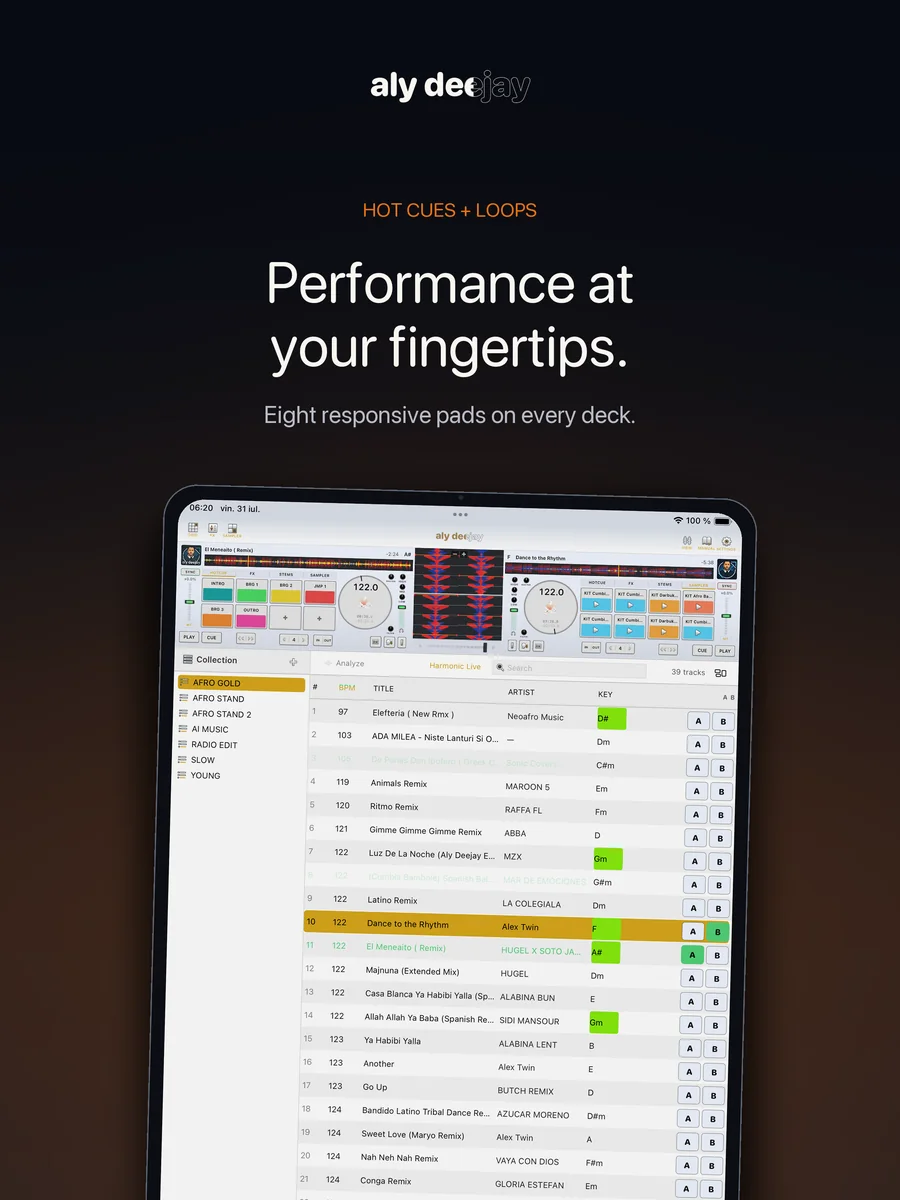
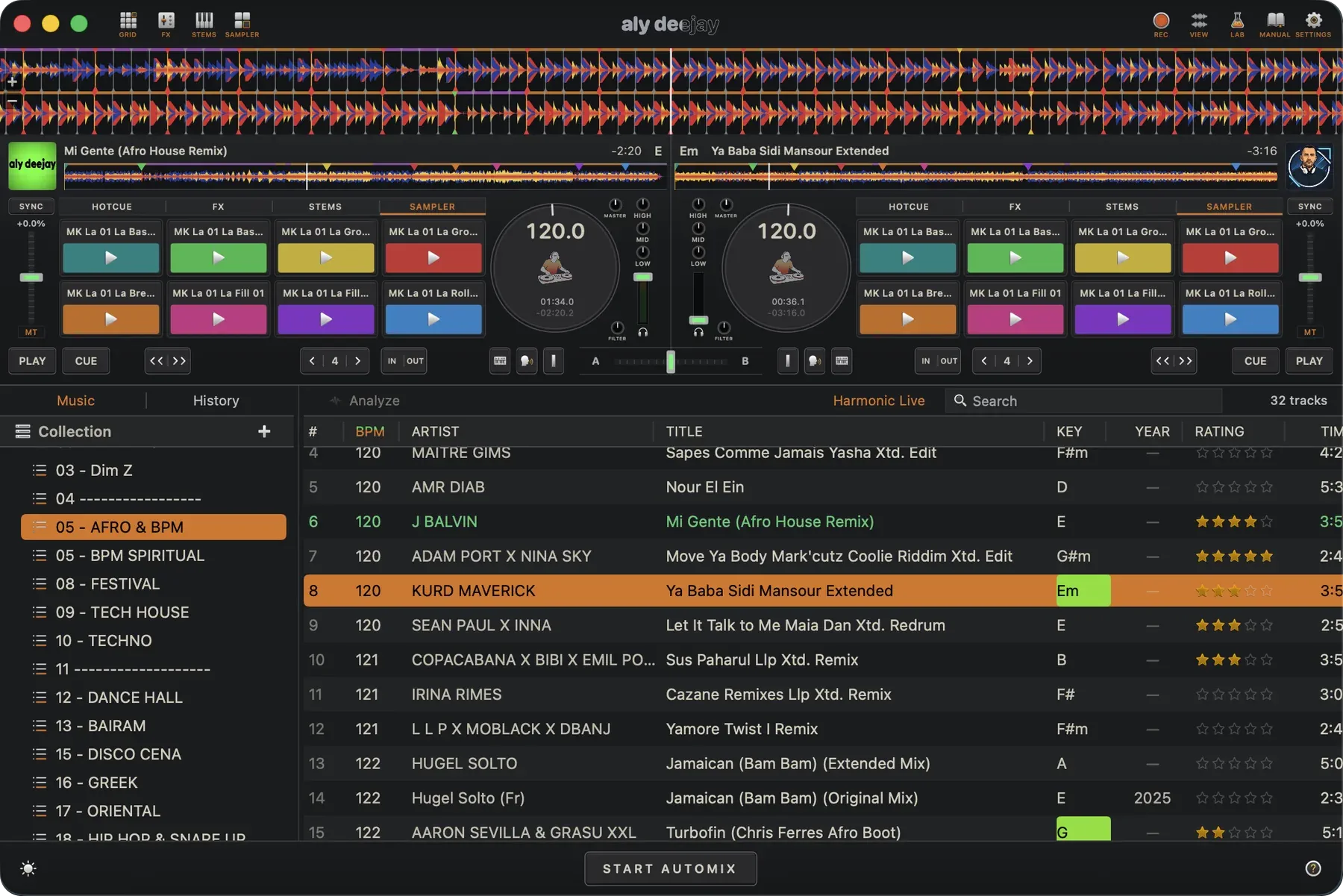
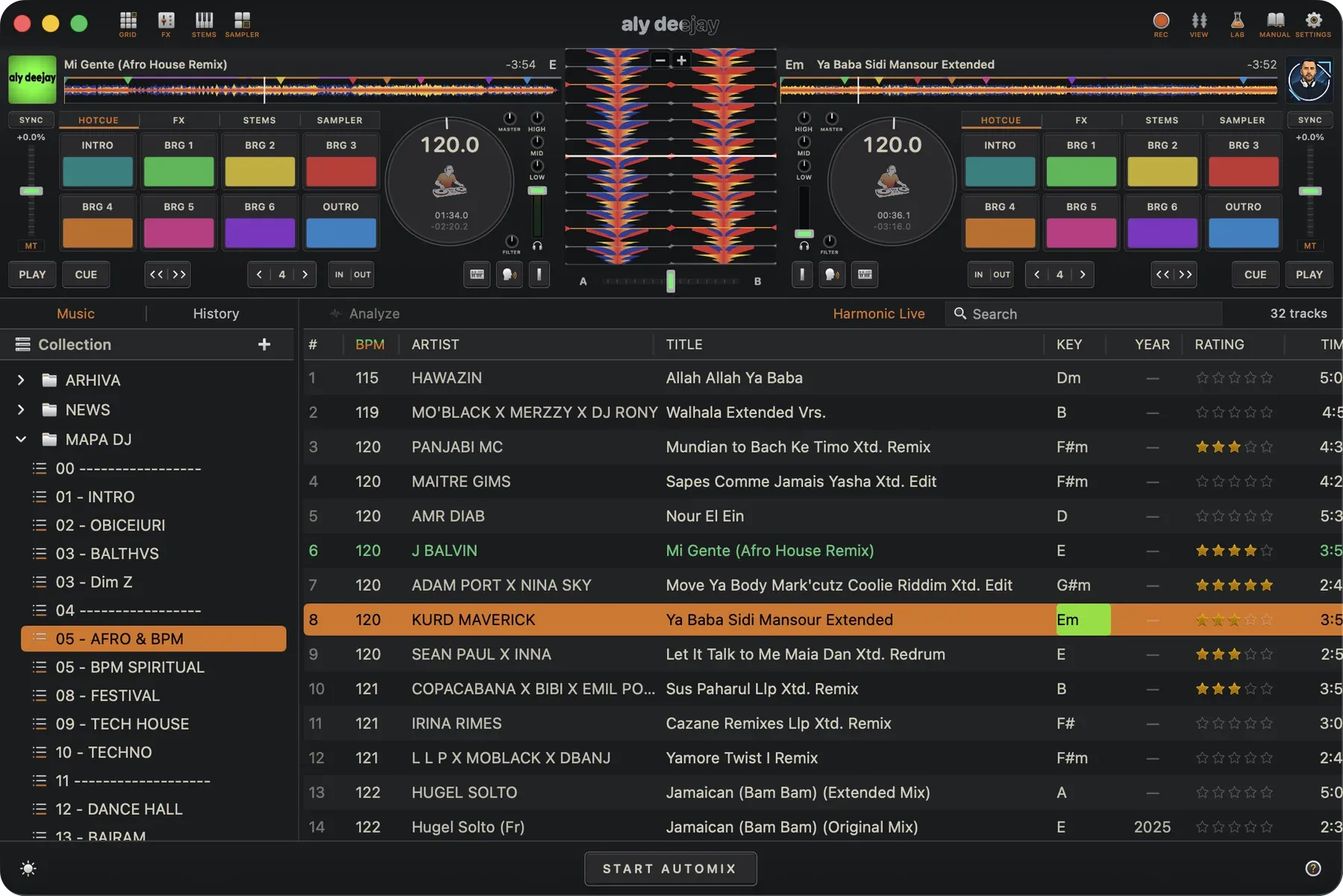
A complete two-deck DJ booth with AI Automix, Harmonic Live recommendations, live stems, beat-locked sync, performance FX, sampler pads, MIDI control, and a library built for real music collections. Designed by a working DJ, AlyDeejay stays fast, musical, hands-on, and private across your Apple devices.

macOS iPhone iPad Offline by design

Requires macOS 15.6+ on Apple silicon, or iOS/iPadOS 18.0+.

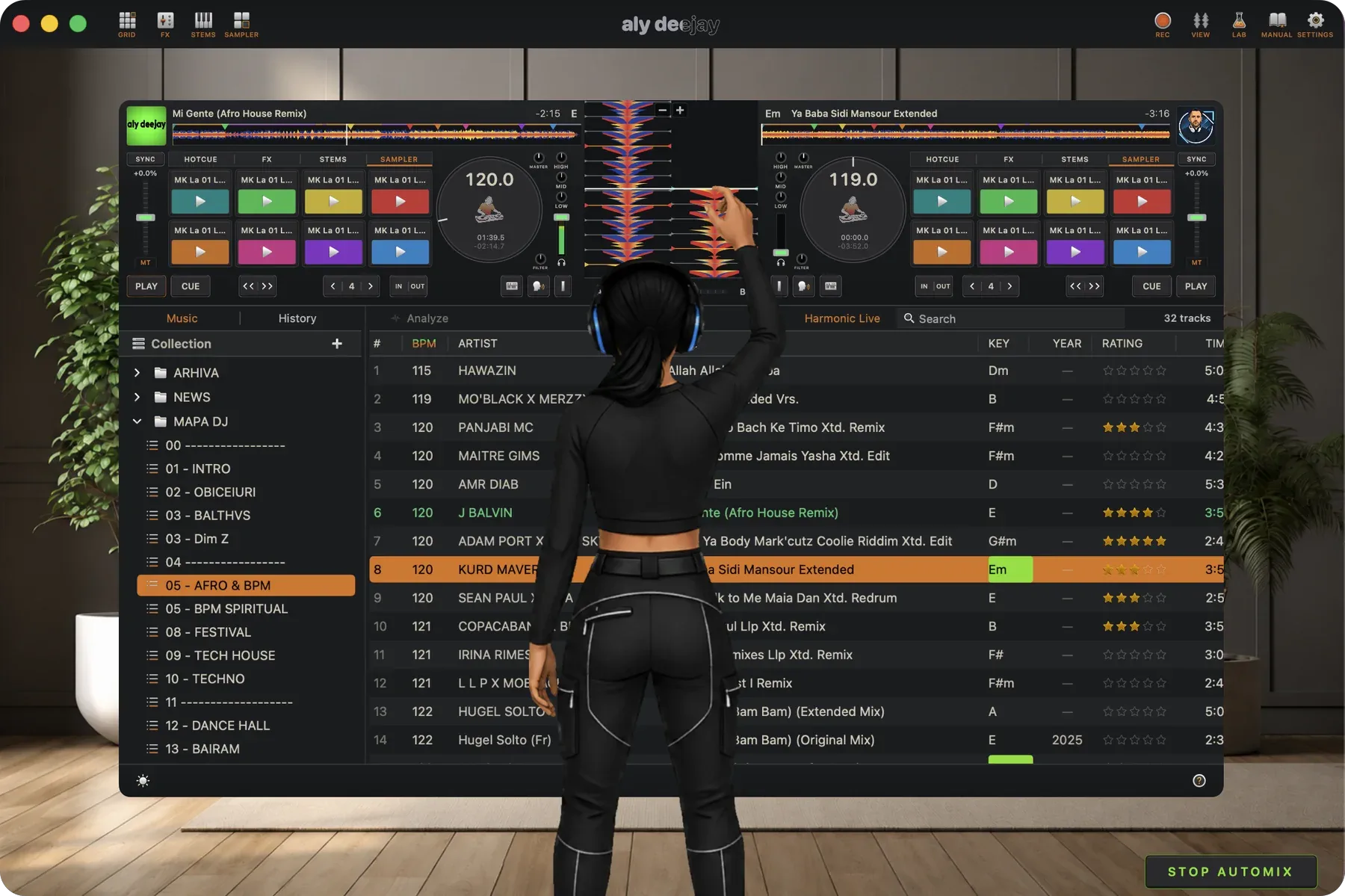
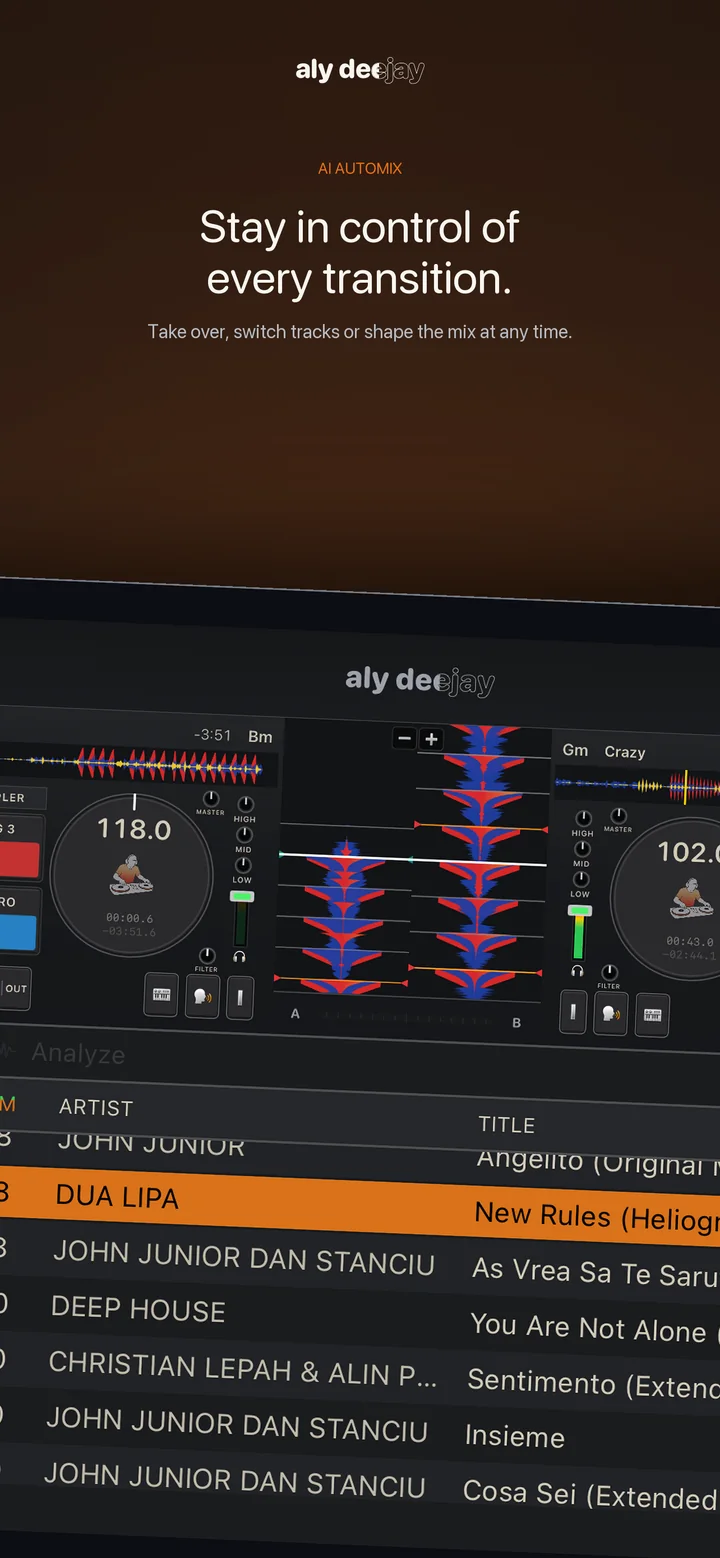
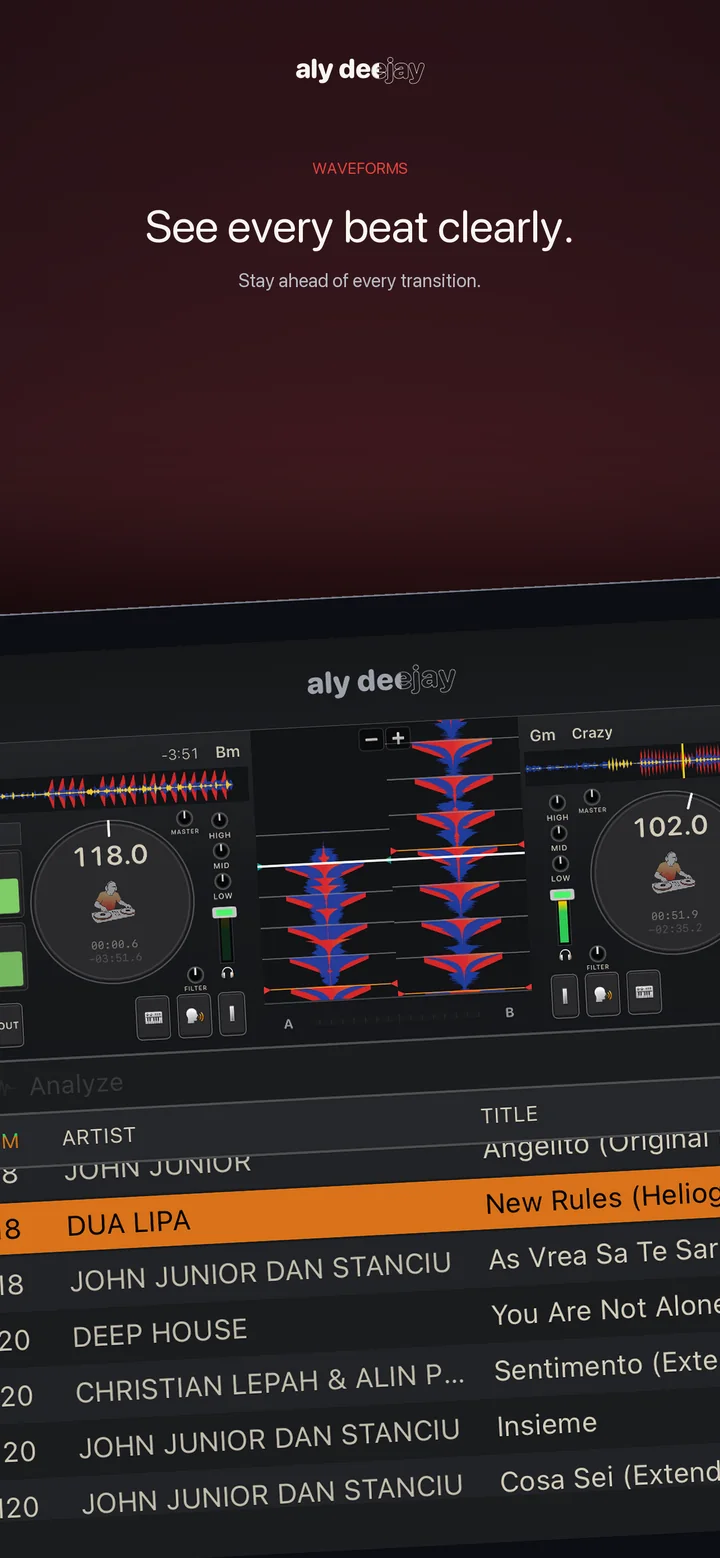
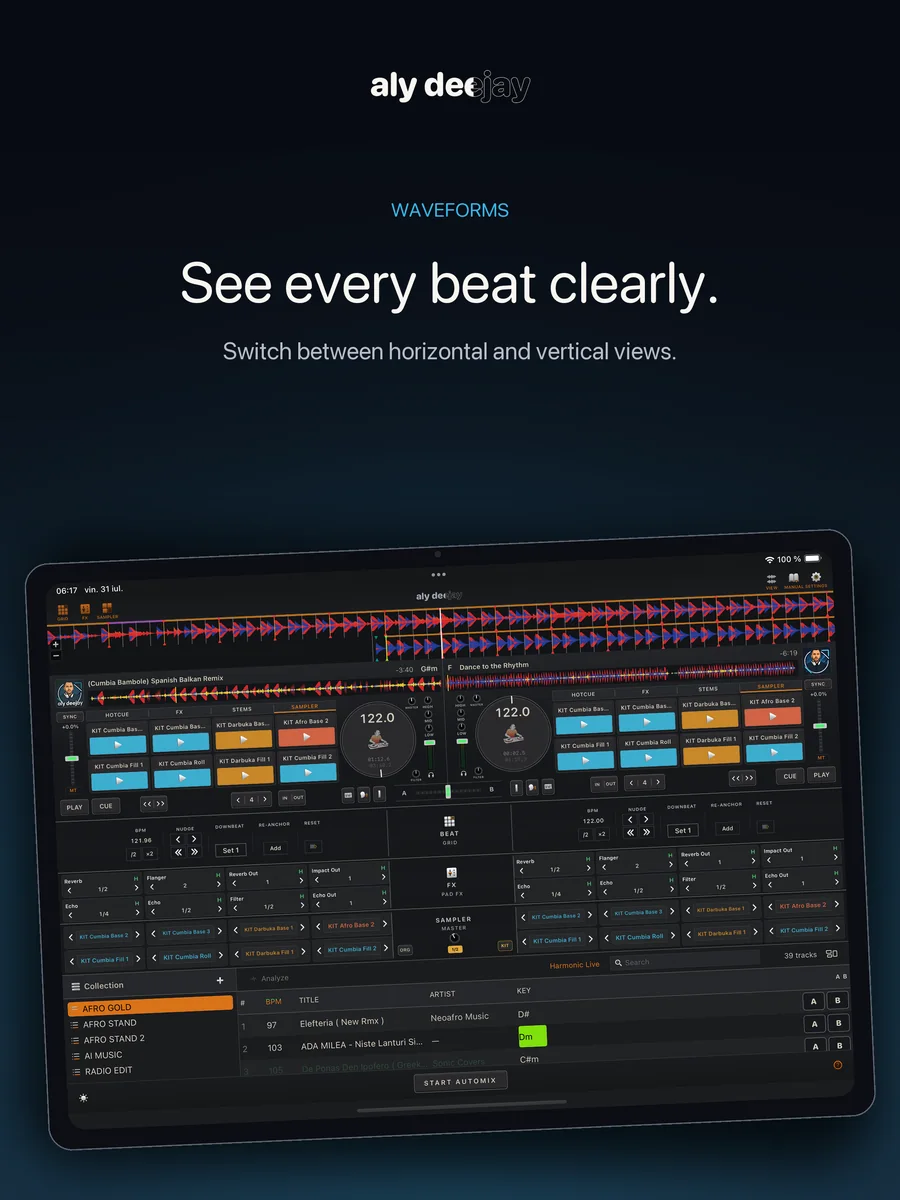
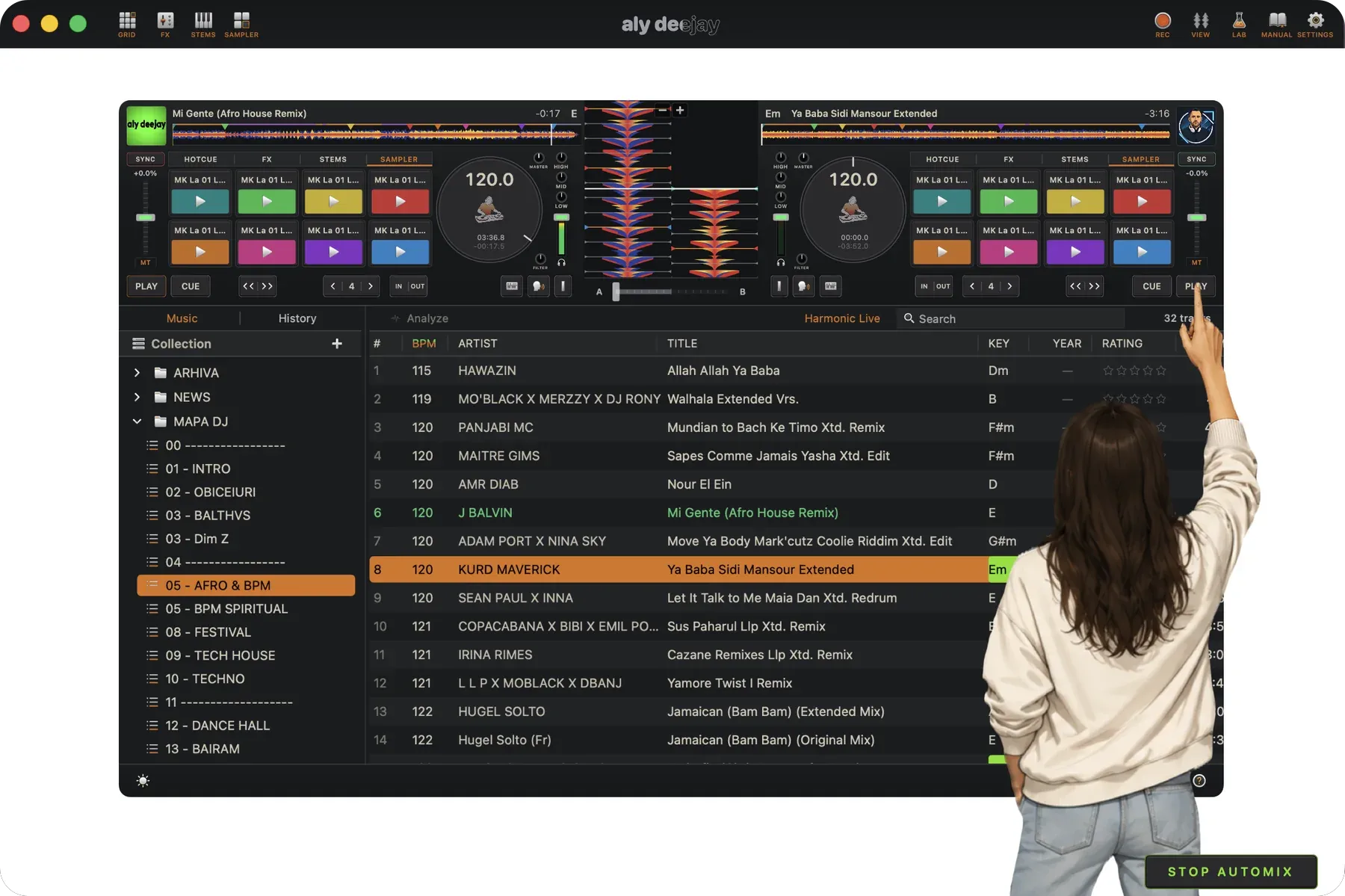
AlyDeejay AI Automix with vertical waveforms on Mac

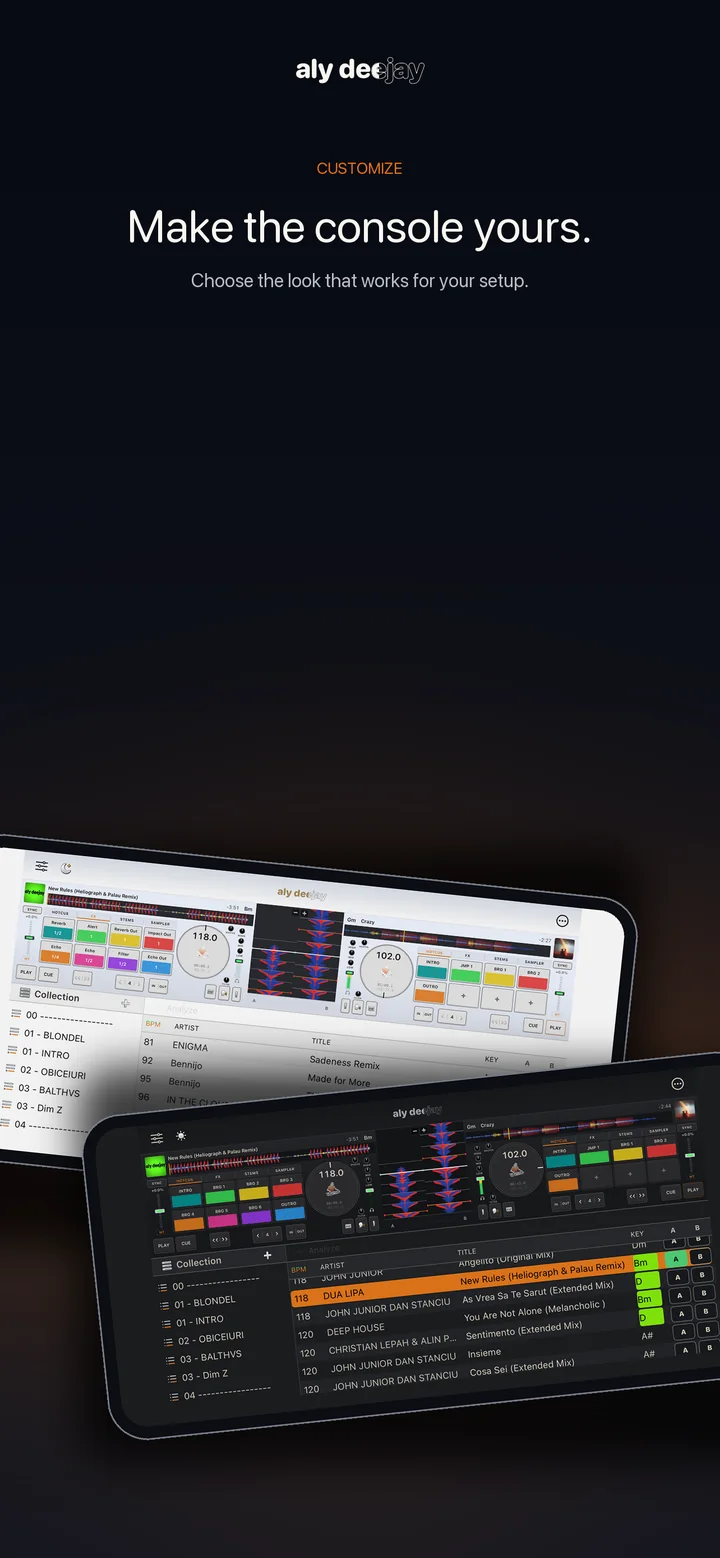
One booth. Three screens.

Your mix, wherever you perform.

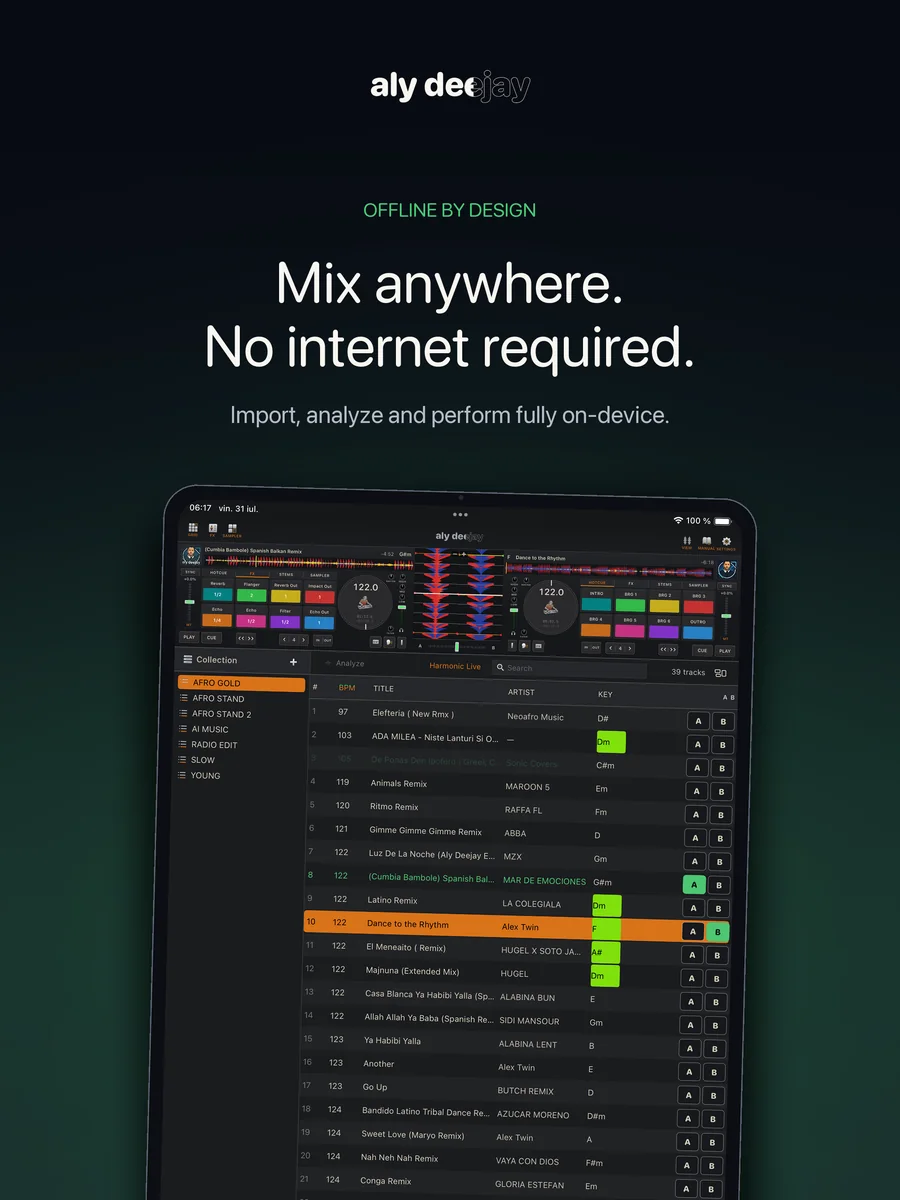
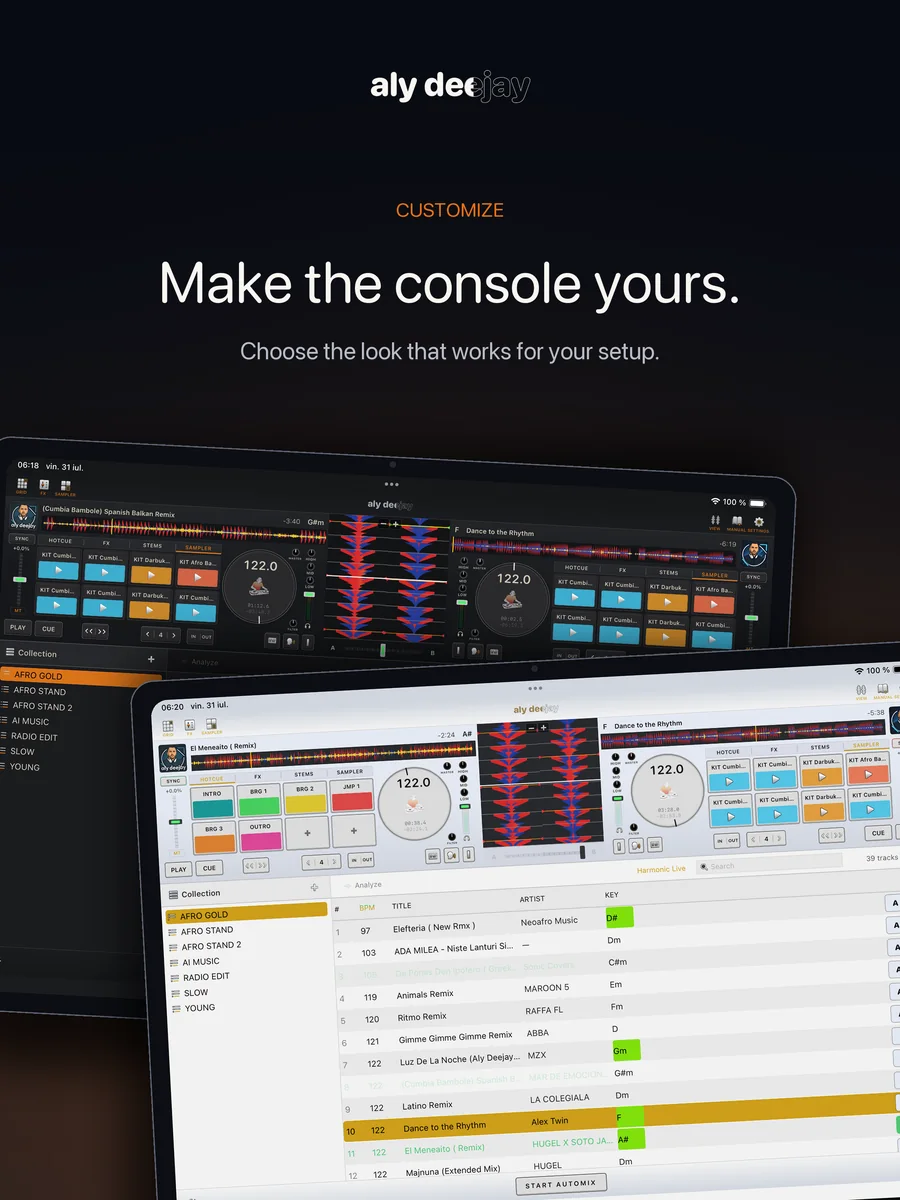
Use the full desktop workspace on Mac, then take the same deck behavior, analysis engine, Automix logic, Harmonic Live recommendations, stems, FX, and sampler performance to iPhone or iPad. Connect supported class-compliant audio and MIDI hardware when you want hands-on control.

Feature availability varies by platform. Percussion Lab generation, Master Recording, History, tag editing, and keyboard shortcut mapping are available on Mac. Saved sampler kits and the core performance workflow remain available on iPhone and iPad.

Percussion Lab · Mac only

One hit. Eight grooves. Ready for the mix.

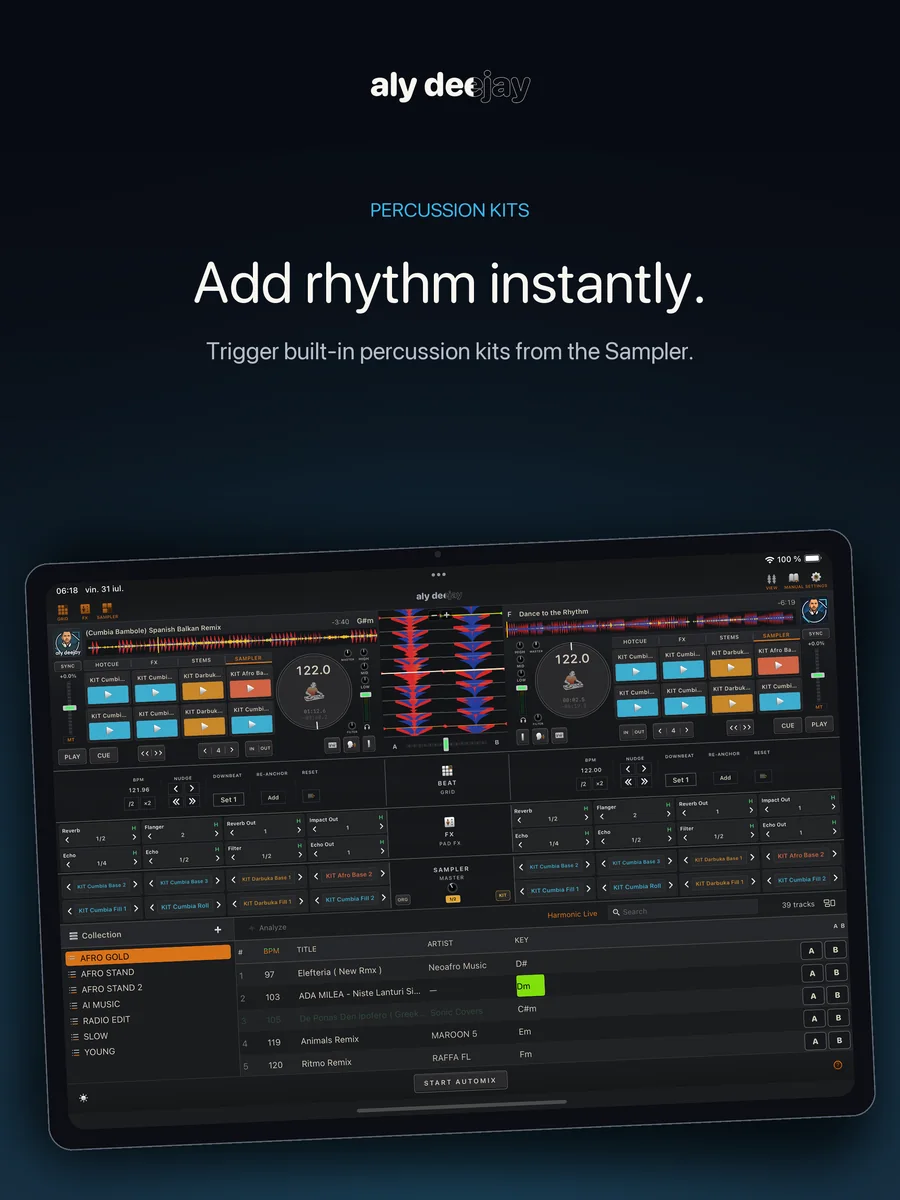
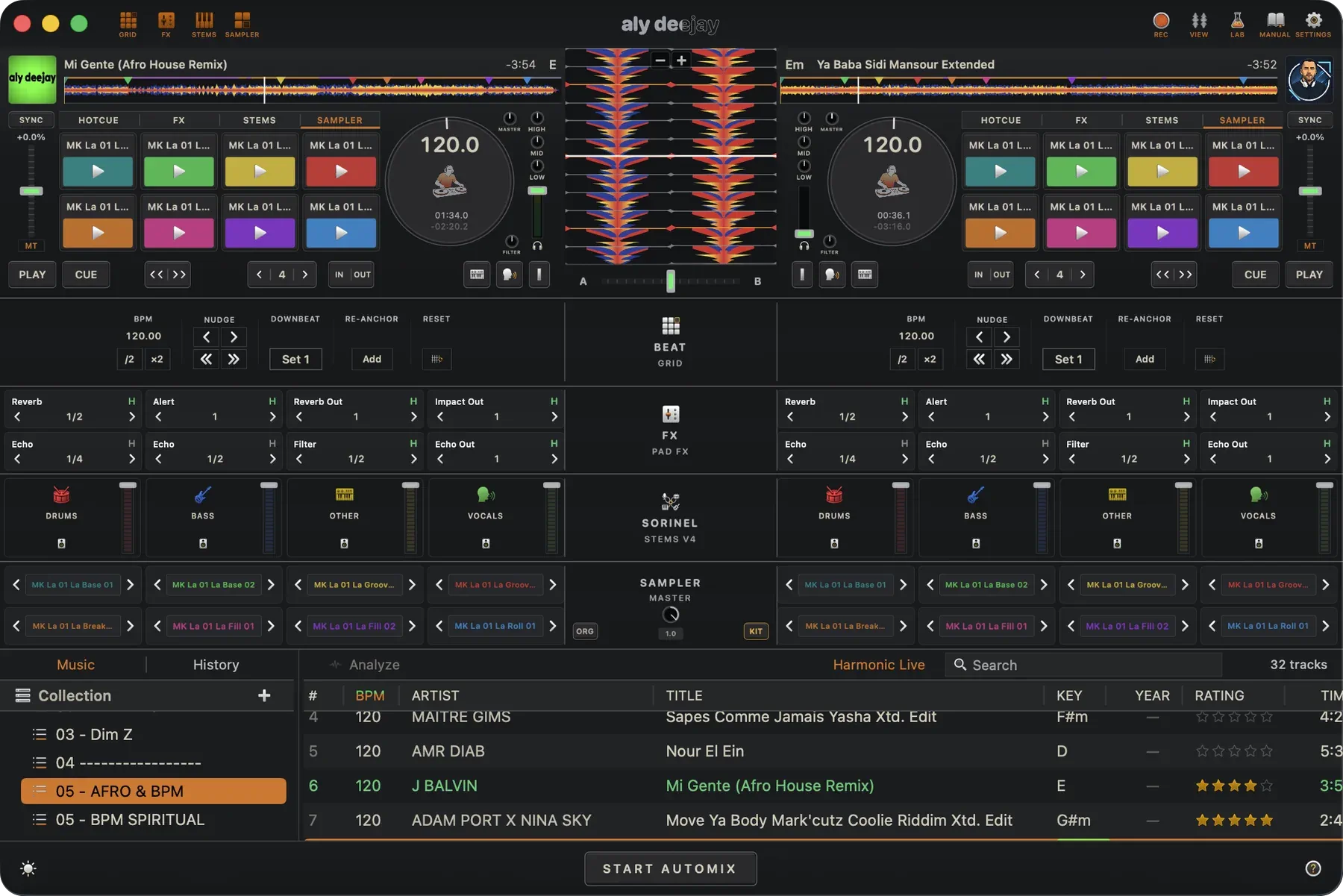
Drop in a percussion one-shot, choose a sound character and rhythm style, and Percussion Lab turns it into eight beat-synced ideas. Preview, regenerate, lock your favorites, then save one rhythm—or load the full kit straight onto the sampler pads.

Your sound Beat-synced Eight variations Live-ready kits
Create the grooveShape eight beat-synced ideas from one percussion hit.
Take it to the decksSave the full kit and perform it from the sampler pads.

The Story

I've spent most of my DJ life on the big platforms — years on one, the better part of a decade on another, and seasons spent testing everything new that promised to change the game. I wasn't collecting software. I was looking for something.

Every one of them had a piece of it. One had effect combinations I could play like an instrument. Another had beatgrids so solid I never had to think about them. One had that perfect vocal echo exit — flick it, and the voice tails away exactly where the phrase ends. But the full picture never lived in one app, and every weekend I was missing a different piece.

At some point it clicked: I build apps for Apple platforms. I'm a DJ. Why am I waiting for someone else to build my app?

AlyDeejay is the answer — every idea I kept reaching for, brought into one place and tuned by ear until it felt right: the effect combos, the grids that hold, the live stems, that echo exit on the vocal. I made it to my own taste, and I put my name on it because it's that personal.

This one is my mirror. I hope you enjoy playing with it as much as I do.

Performance tools

Everything close to hand when the music is moving.

Mac · iPhone · iPad

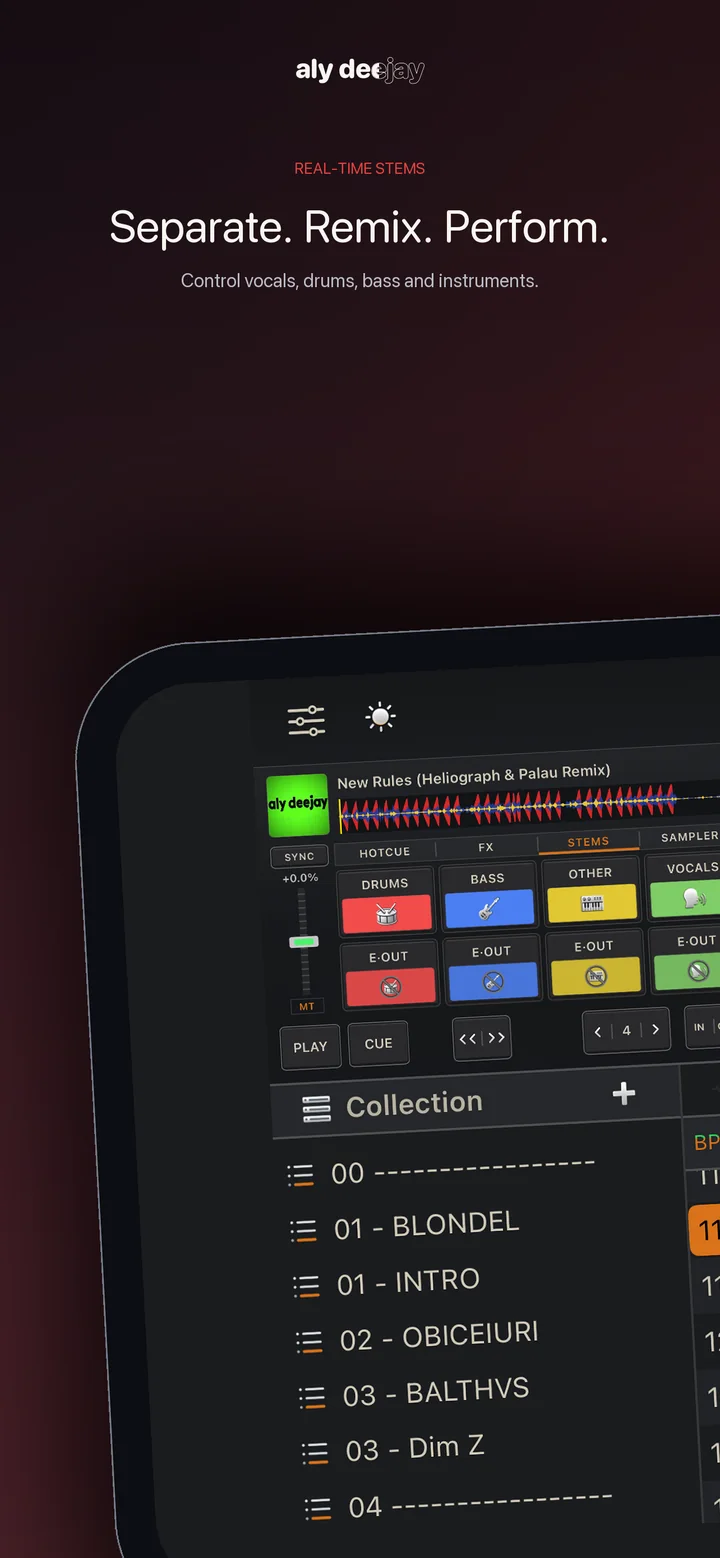
Live Stems

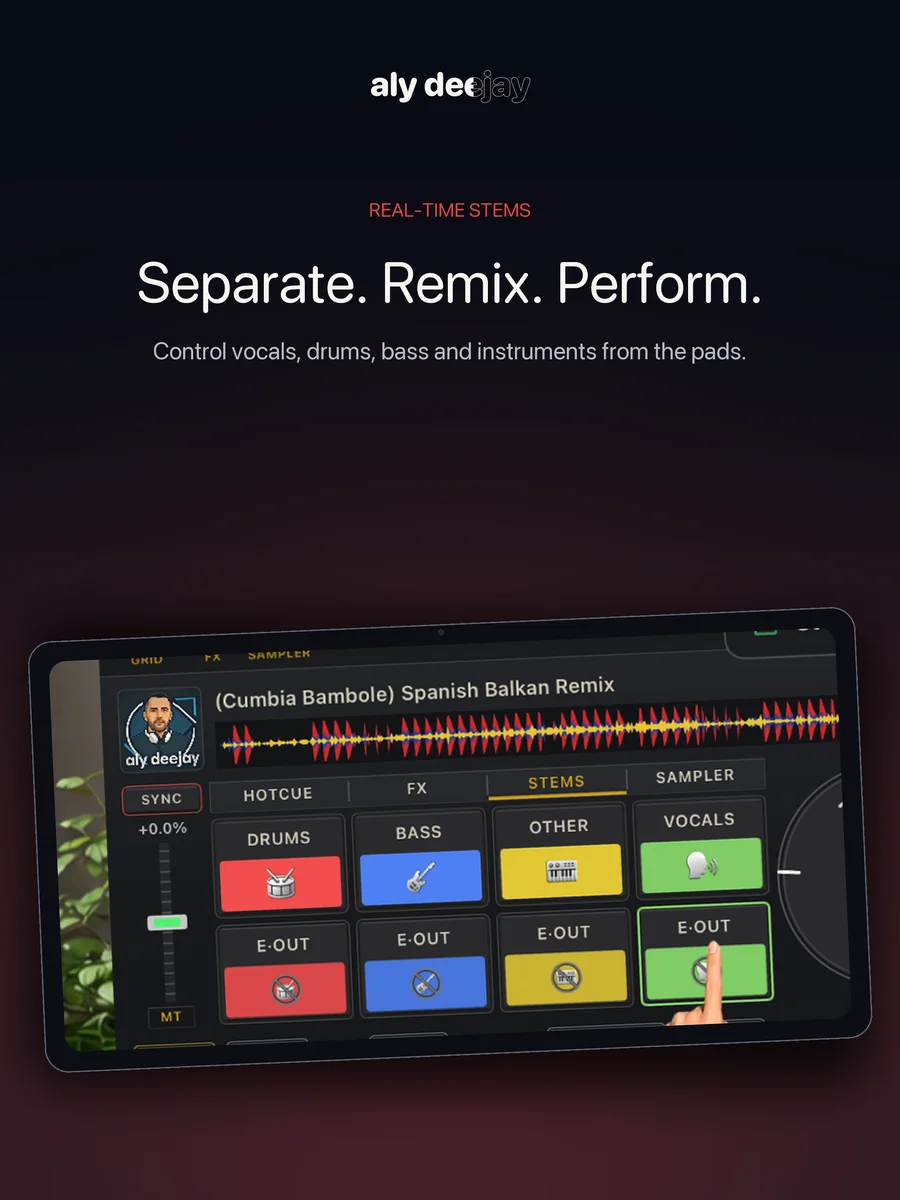
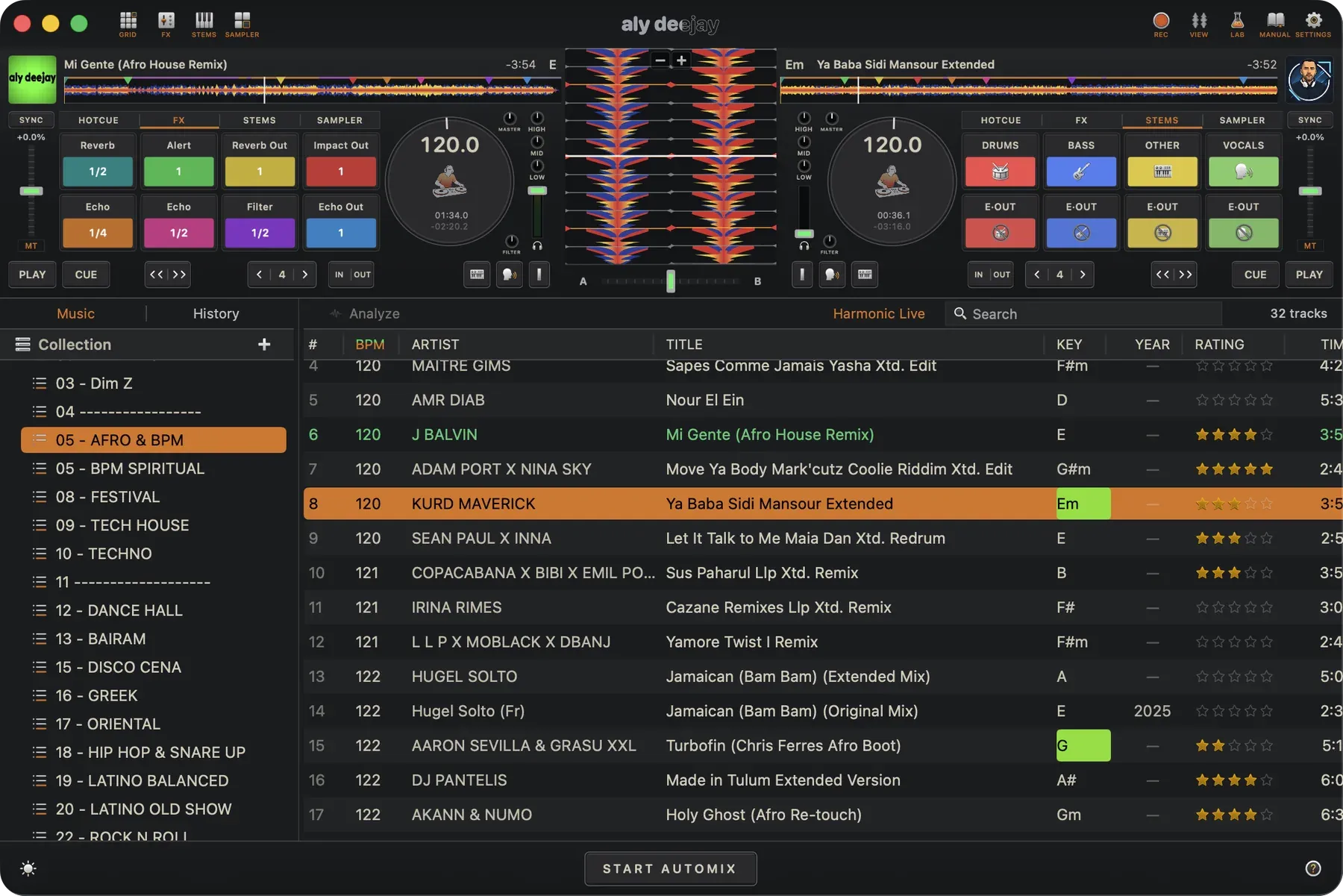
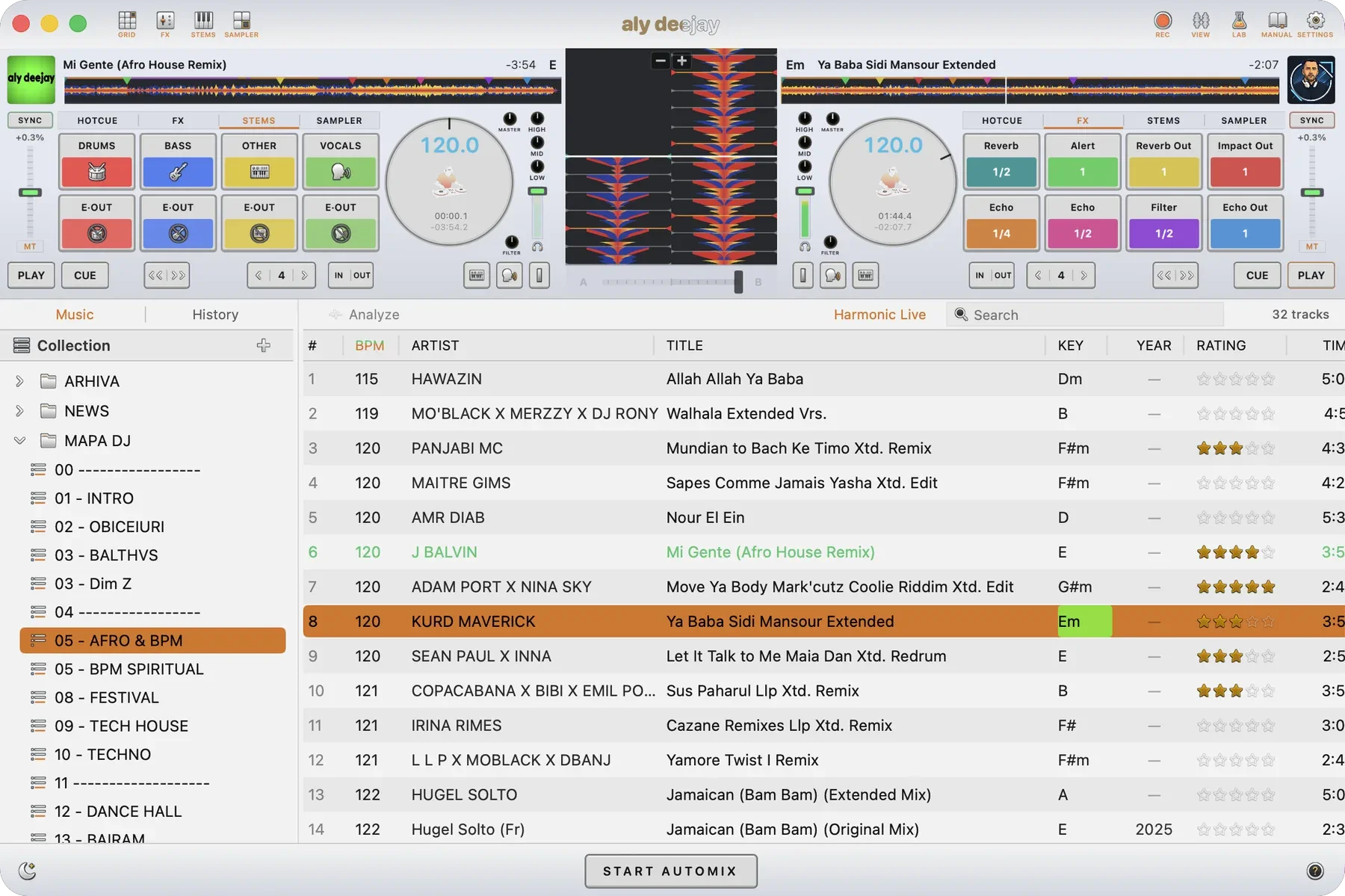
Supported tracks split live into drums, bass, instruments, and vocals. Kill the vocal, solo the drums, build your own edit on the fly — with one-tap Instrumental and Acapella shortcuts, per-stem faders, and stem echo exits.

Mac · iPhone · iPad

Two Decks, Real Club Feel

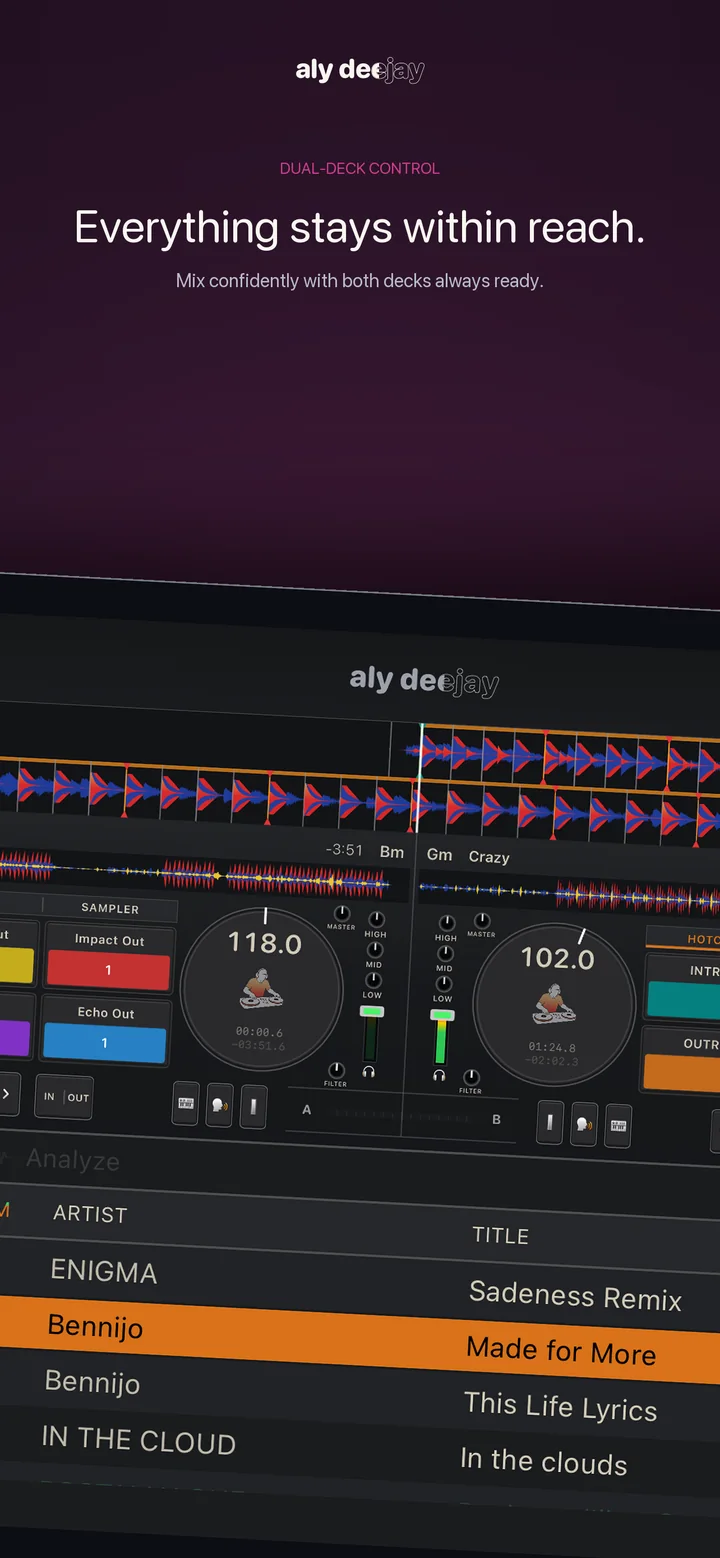
Grab the jog or the waveform and you're holding the vinyl — hold it, scratch it, spin it. Club-standard CUE behavior, pitch with keylock, and EQ that responds the way your hands expect.

Mac · iPhone · iPad

One-Press Sync

SYNC locks tempo and beat to the other deck — and stays locked. Nudge, scratch, play: the grid brings you back. Press again and you're free.

Mac · iPhone · iPad

Hot Cues That Travel

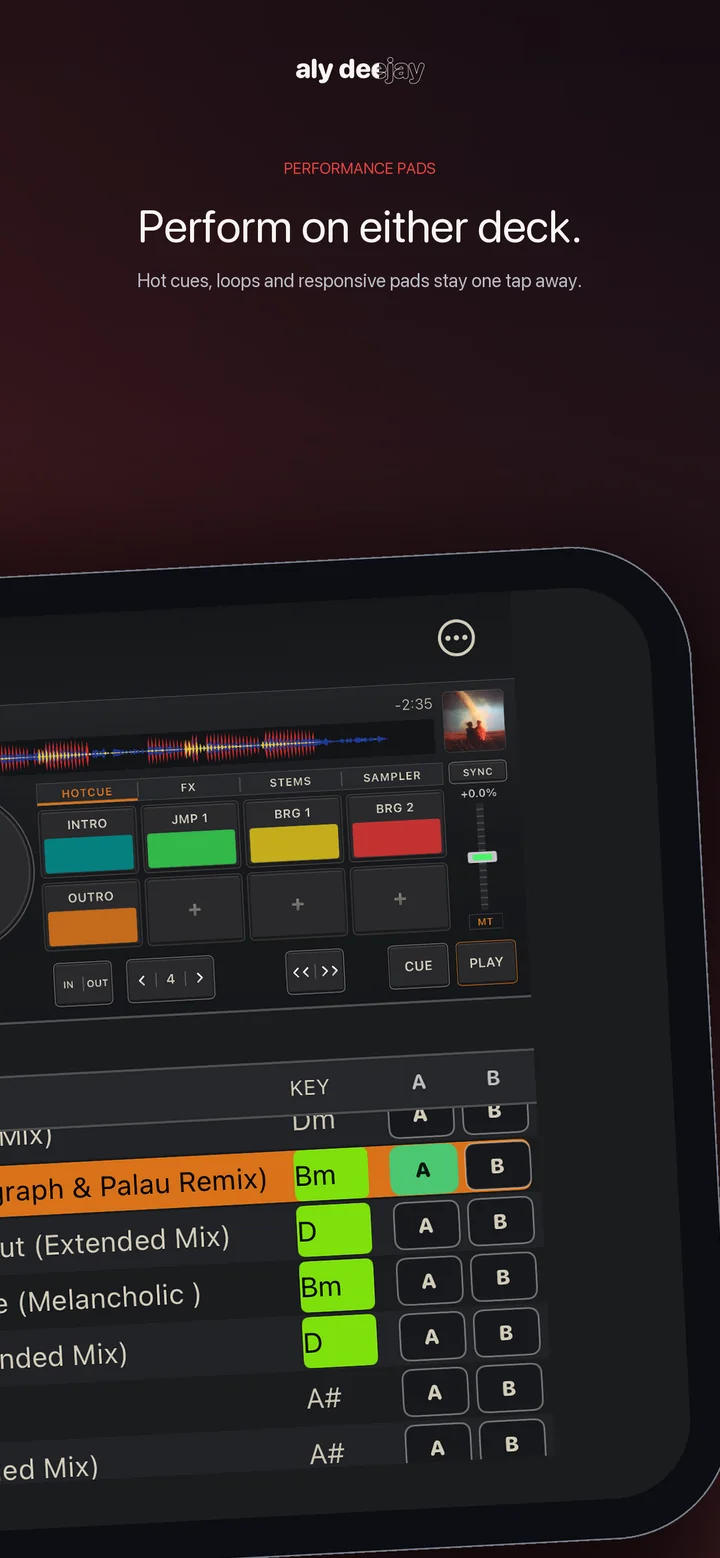
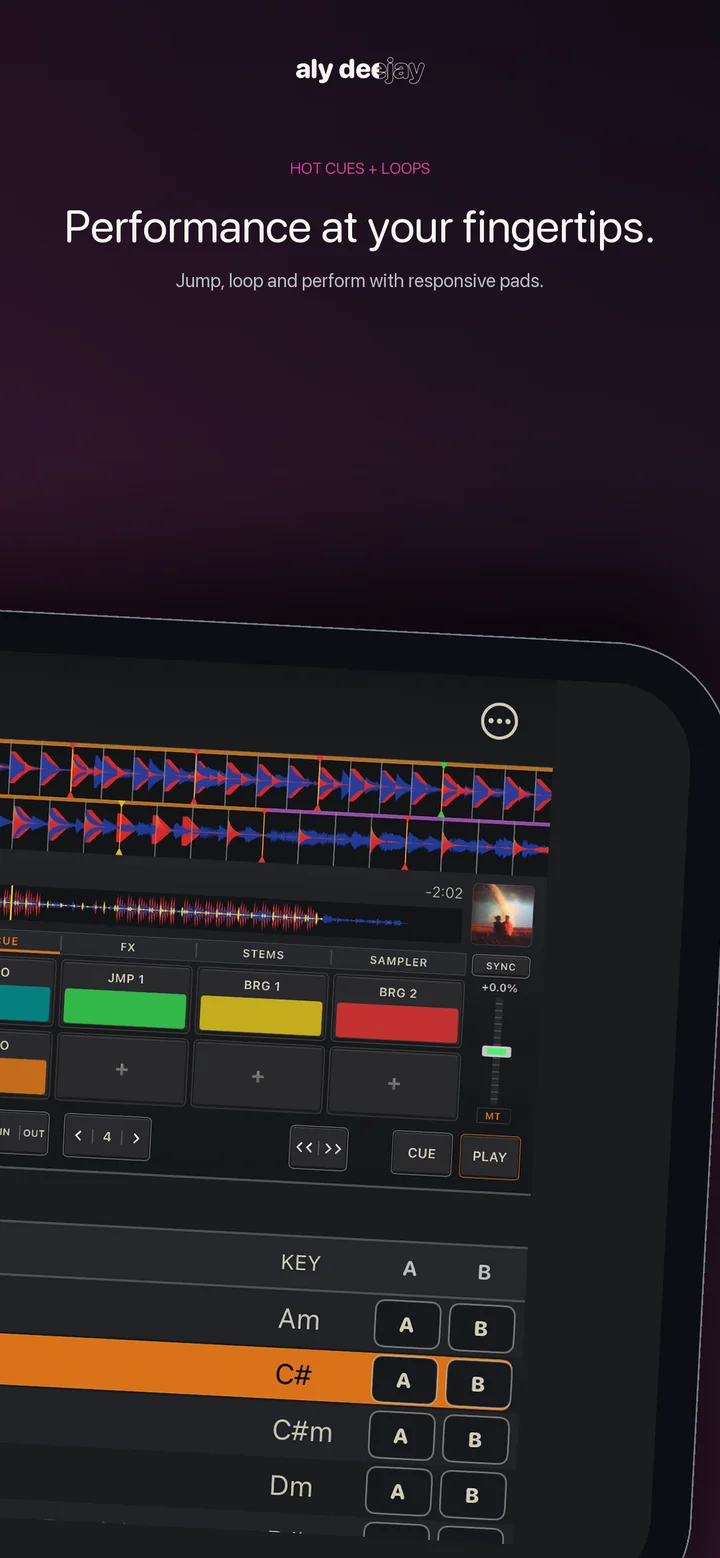
Set and recall hot cues on every platform, with smart auto-cues for intro, bridges, and outro. On Mac, supported cues can also be written into the music files in an industry-standard format other popular DJ software can read.

Mac · iPhone · iPad

Pro FX & Release FX

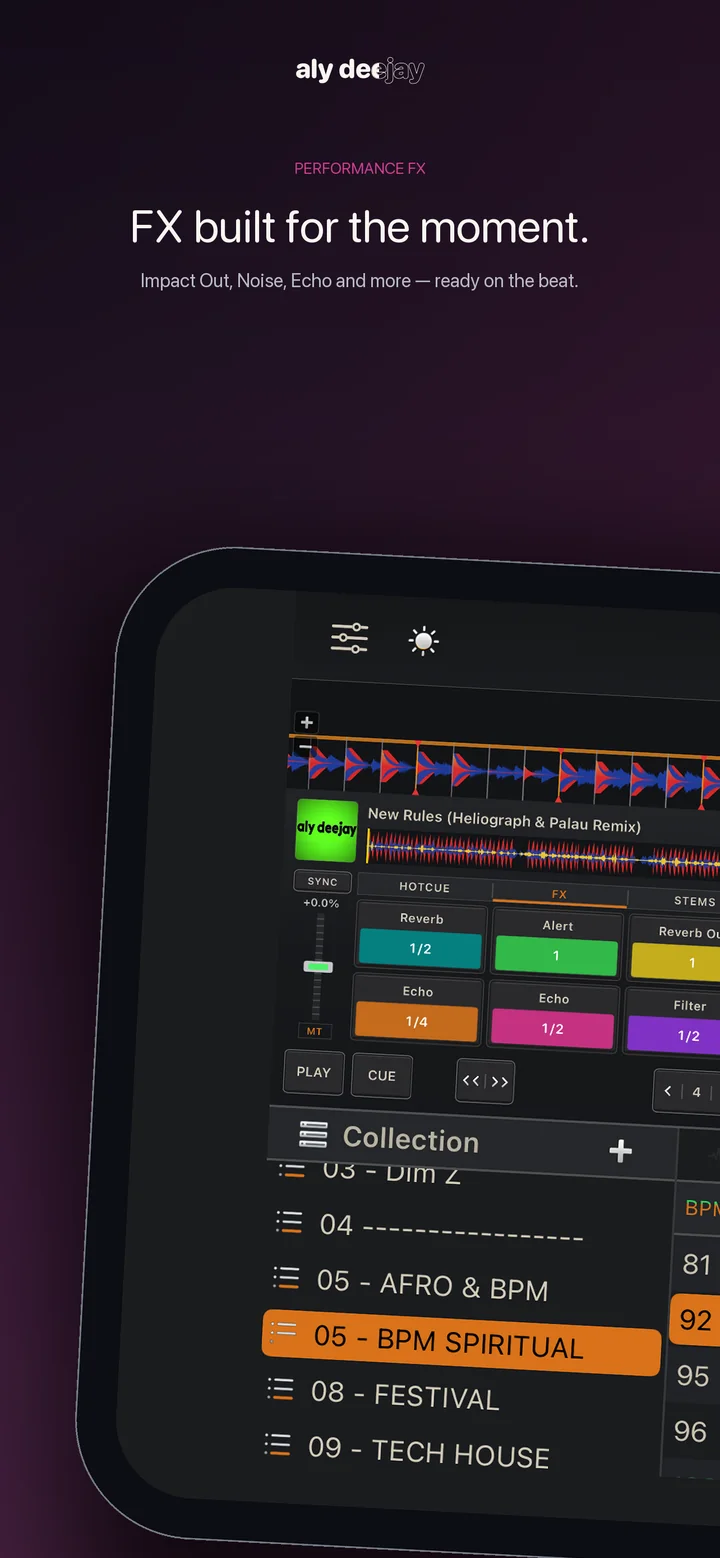
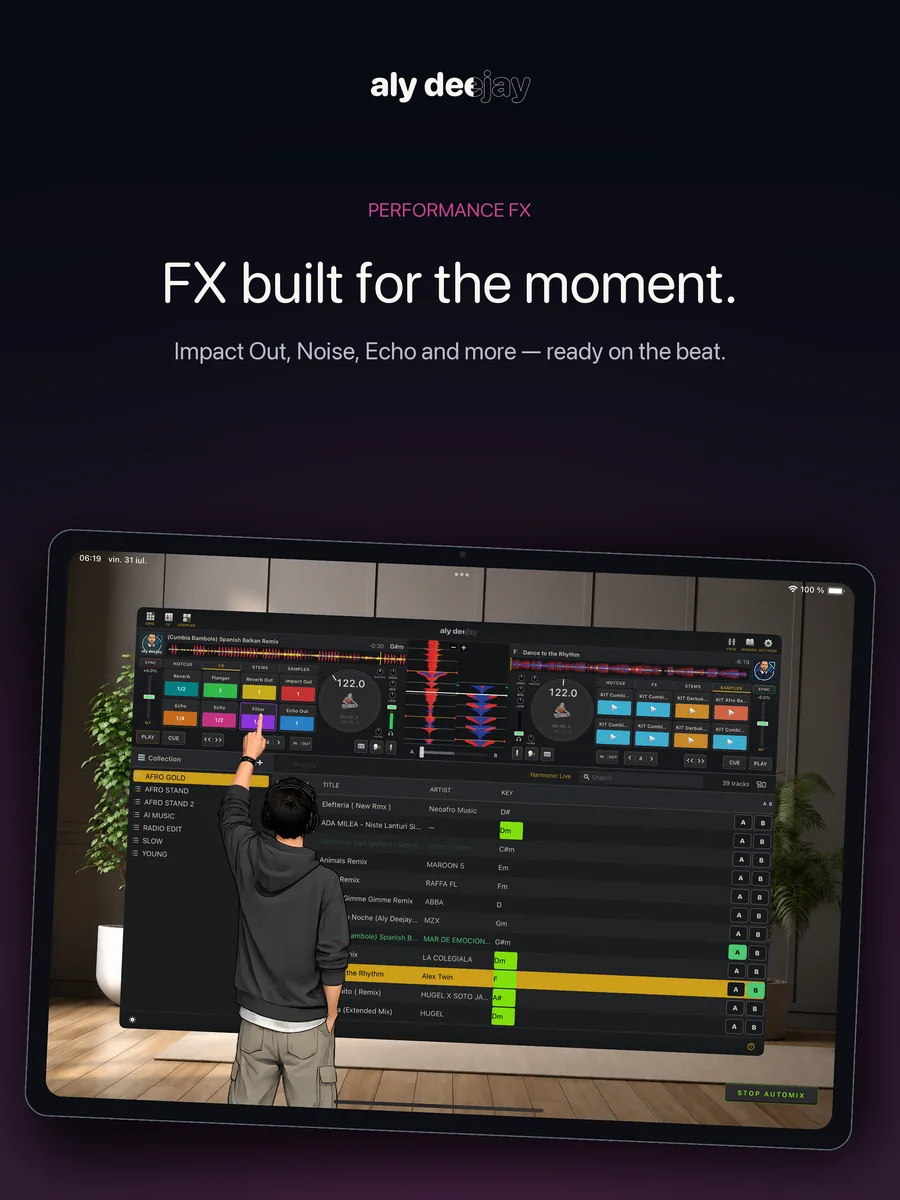
Echo, Echo Out, Reverb, Brake, Flanger, Filter, and momentary loops — 8 slots, beat-synced, mirrored on both decks. Flick a Release FX paddle for the classic instant exit.

Sampler on all platforms · Lab on Mac

Sampler & Percussion Lab

Trigger horns, sirens, drops, and beat-synced loops from the app or your controller pads on every platform. On Mac, feed Percussion Lab one hit to create eight rhythm ideas, save your favorites, and perform the finished kit live.

Mac · iPhone · iPad

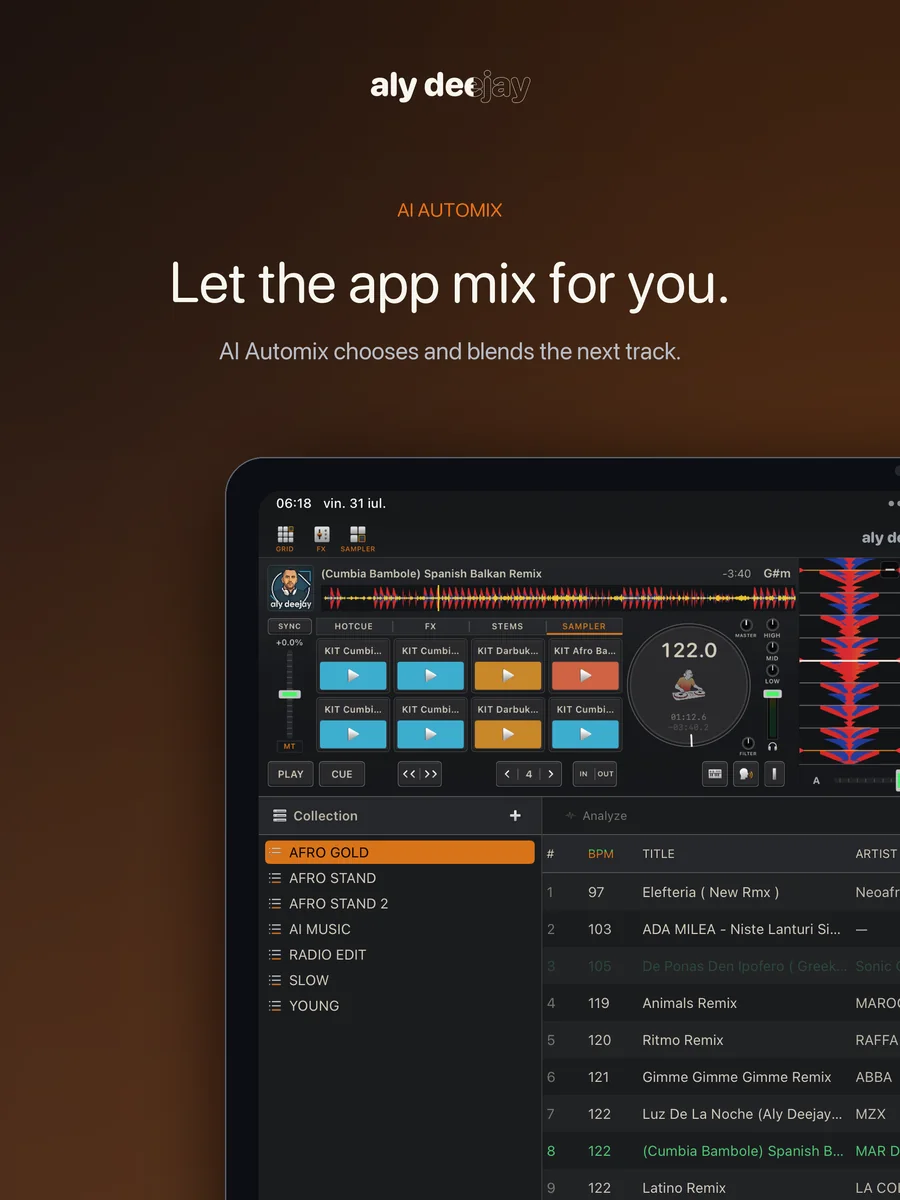
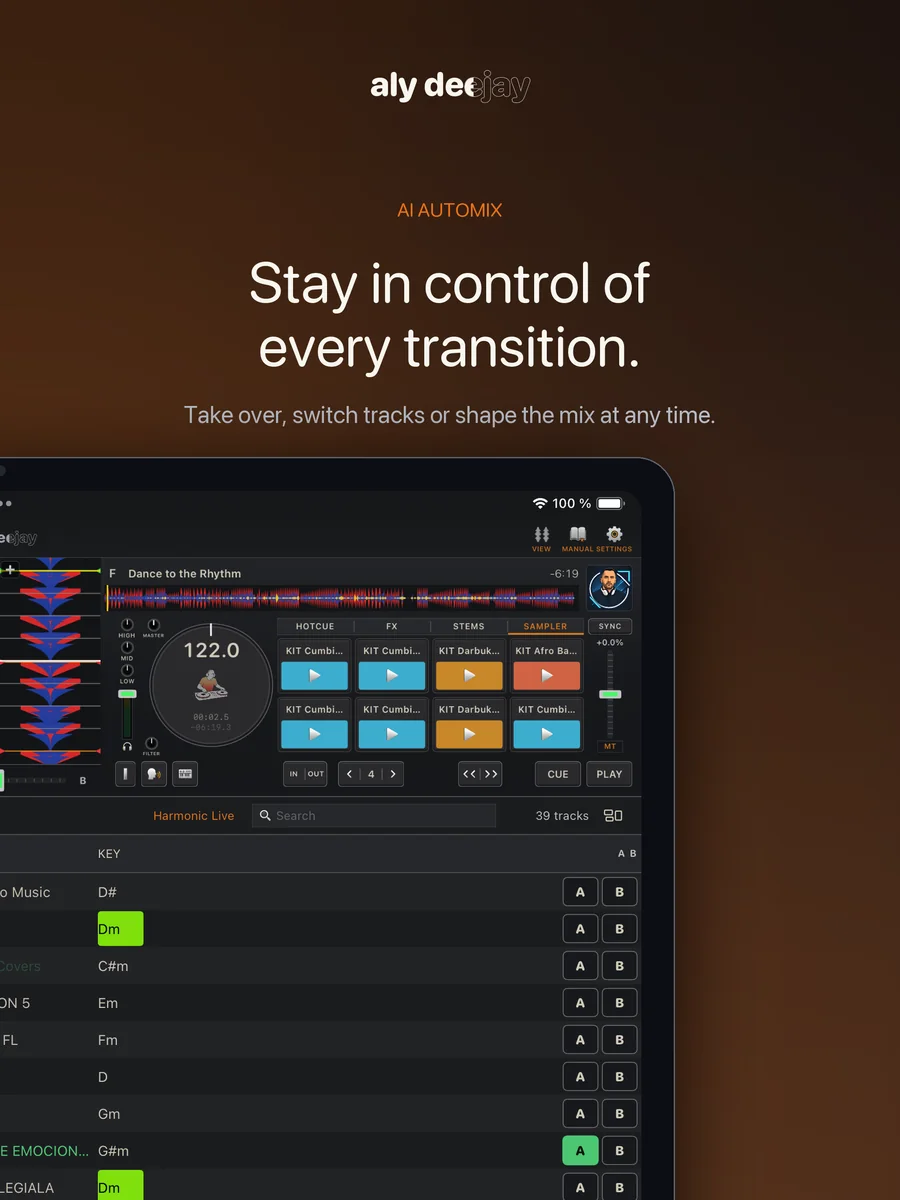
Automix Like a DJ

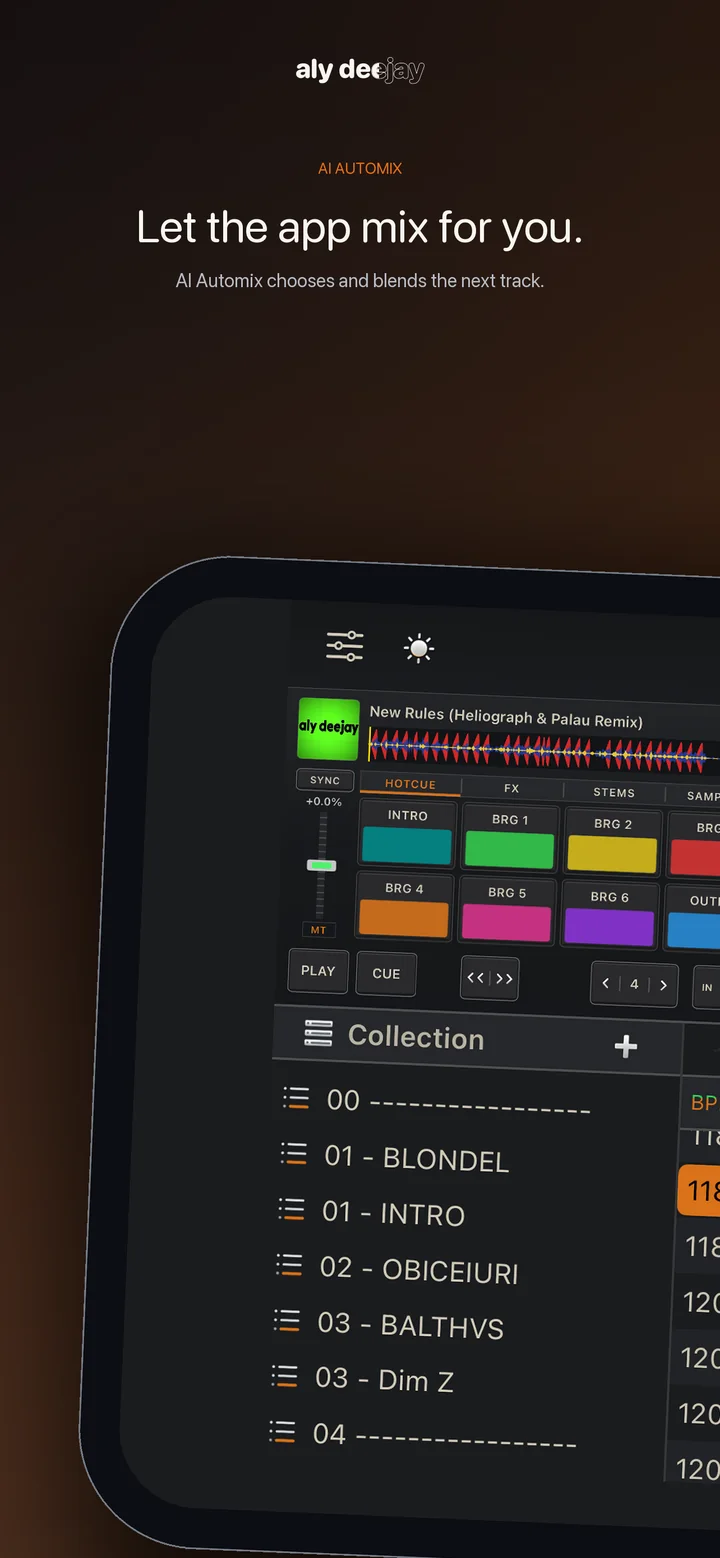
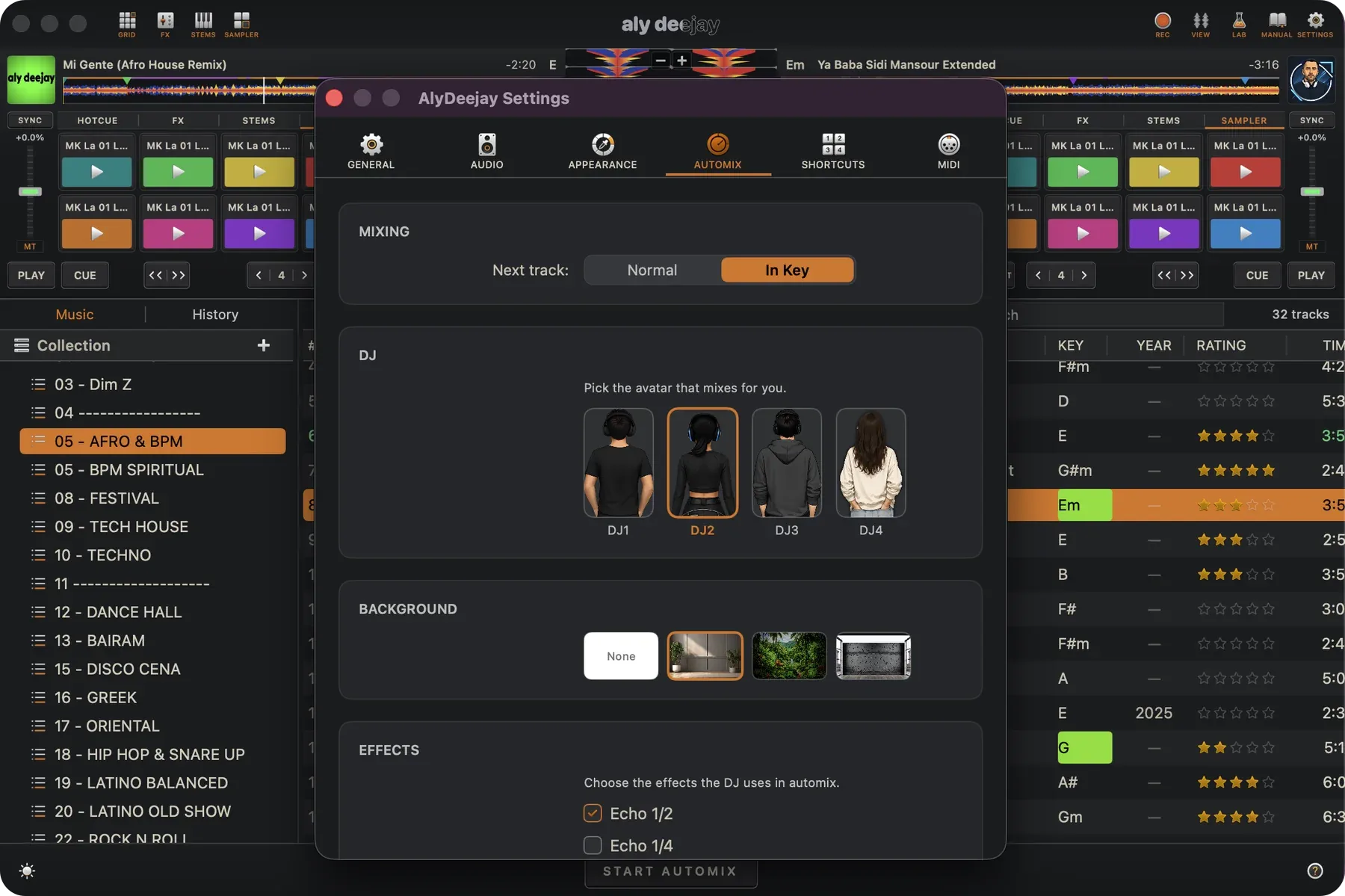
It doesn't just crossfade on a timer. It mixes on the outro, beat-matched, gliding the tempo into the next track during the blend — the way a DJ would do it by hand.

Mac · iPhone · iPad

Your MIDI Controller

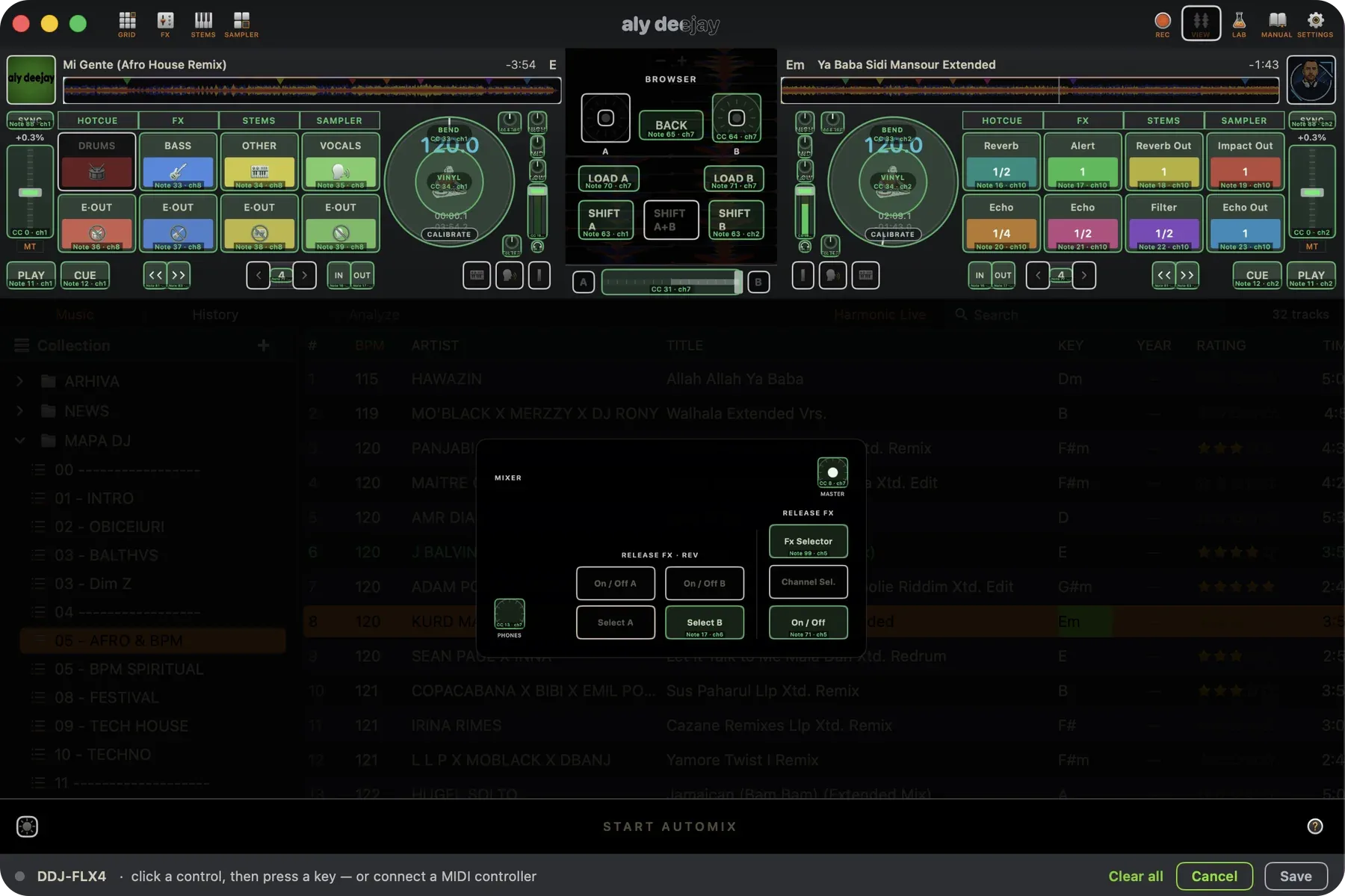
Supported controller profiles provide ready-made mappings for pads, jogs, mixer controls, lights, and VU meters. Learn mode can map available AlyDeejay controls from other compatible MIDI hardware. Keyboard shortcut mapping is also available on Mac. Hardware support varies by model and firmware.

Mac · iPhone · iPad · supported hardware

Headphone Cueing

Preview the next track in headphones while the audience hears the master mix. Available with supported DJ controllers and multichannel audio interfaces; compatibility varies by hardware and platform.

Mac · iPhone · iPad

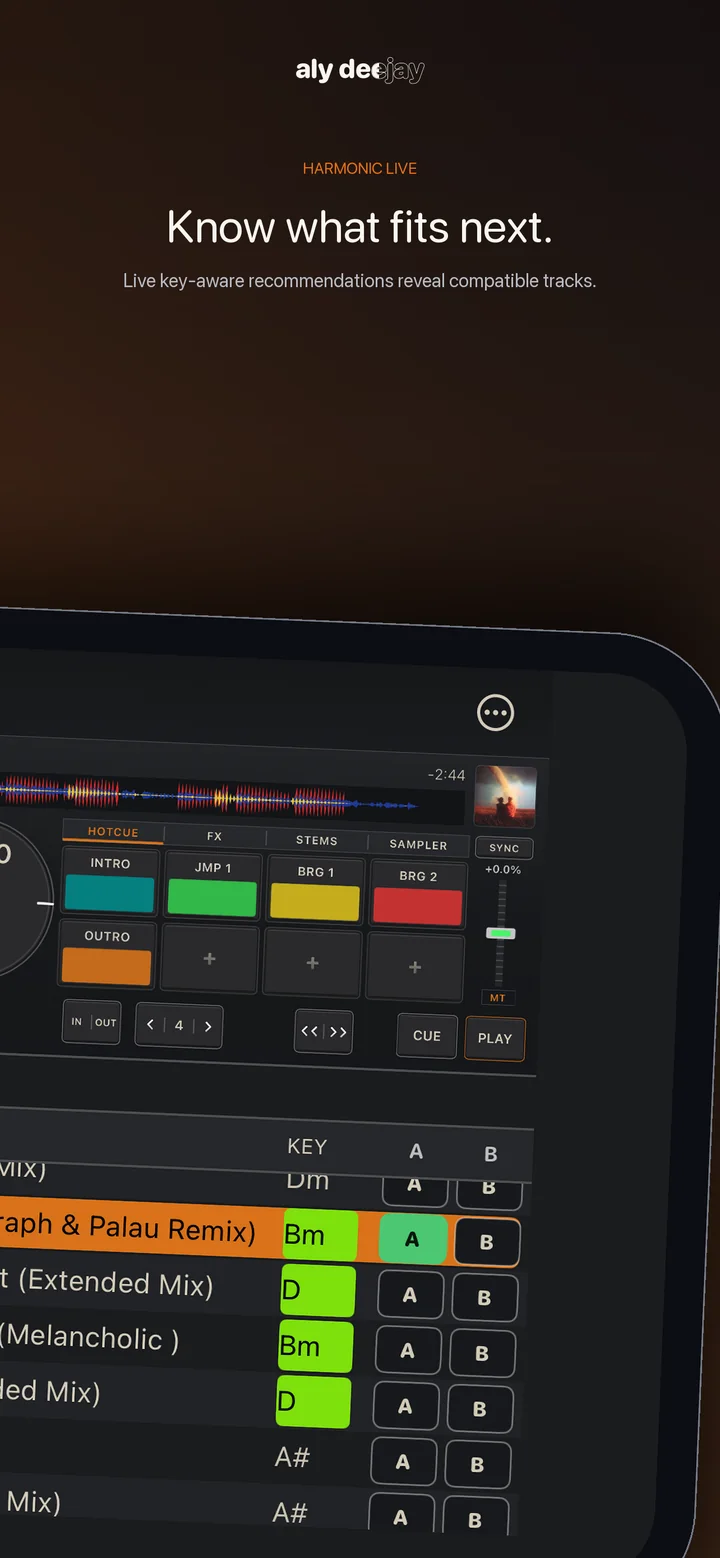
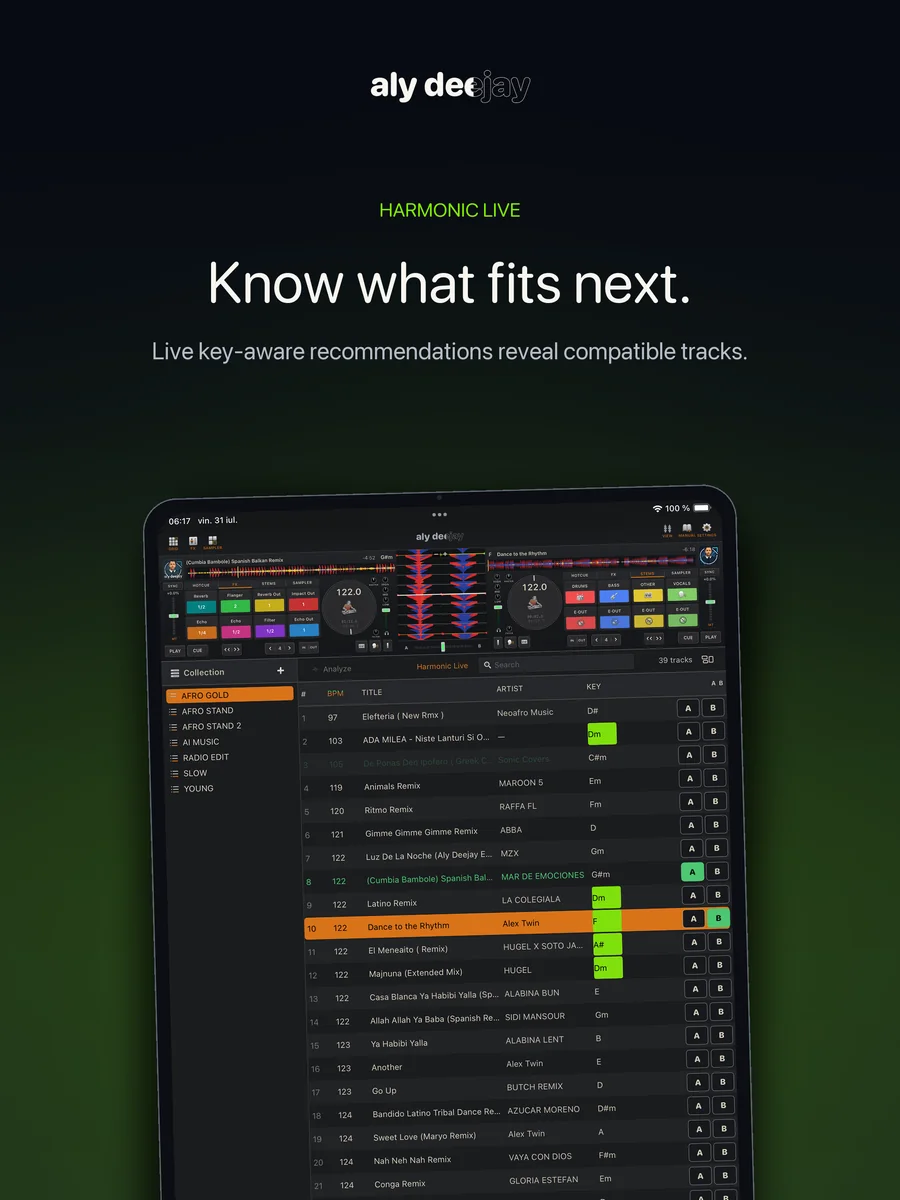
Harmonic Live

See which tracks fit the key of the music already playing. Harmonic Live updates with the decks and highlights compatible choices directly in your library.

Mac · iPhone · iPad

Offline by Design

Your music, library, analysis, stems, and performance data stay on your device. AlyDeejay has no developer account system, ads, tracking SDK, or music upload service.

Mac only

Prepare & Record

Edit tags and ratings, keep session history, map keyboard shortcuts, generate Percussion Lab kits, and capture the mixed master output from the expanded Mac workspace.