







CuePoints DJ

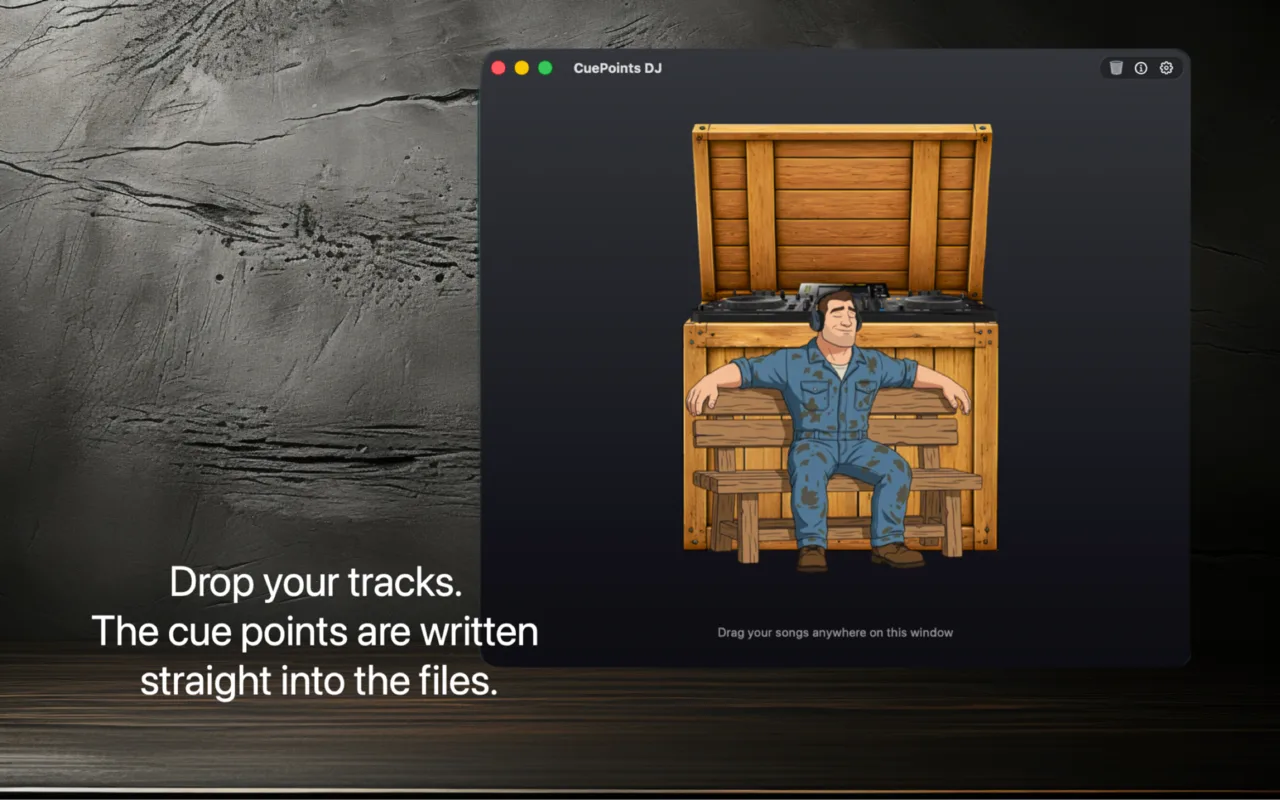
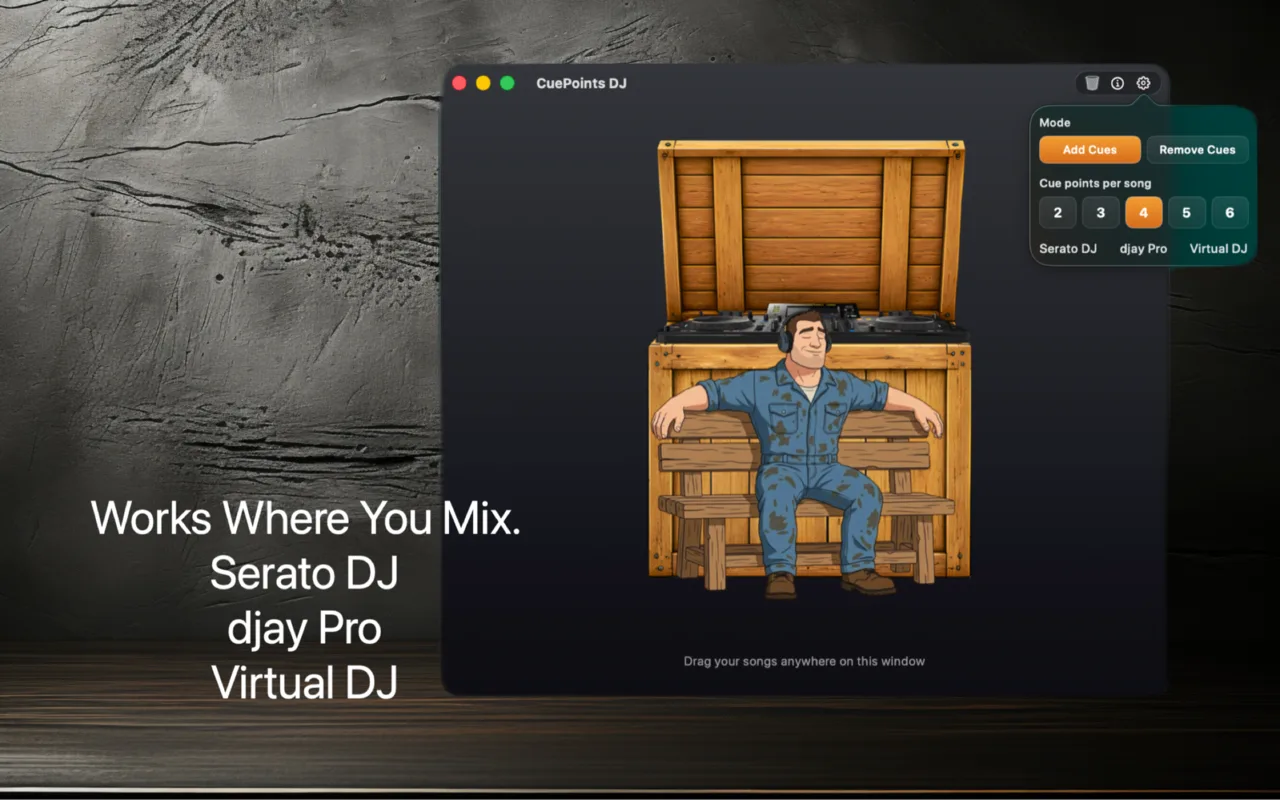
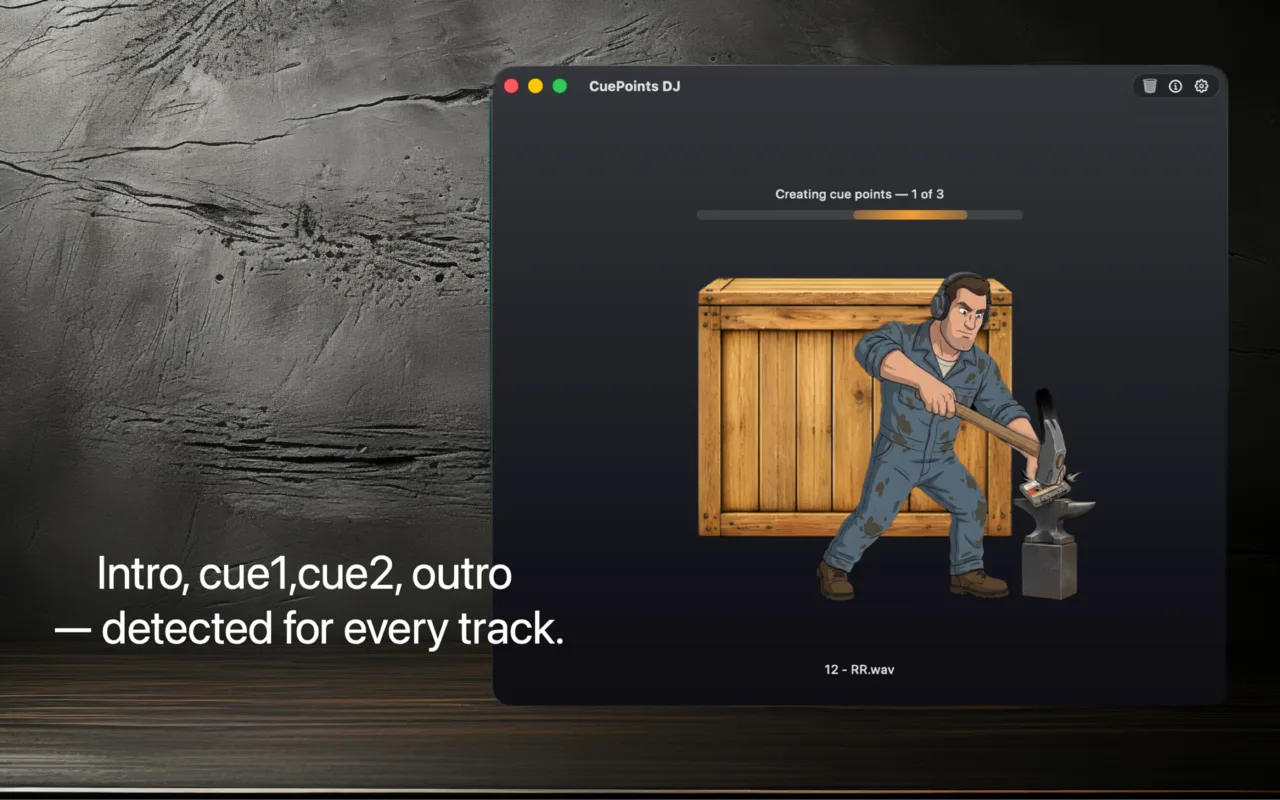
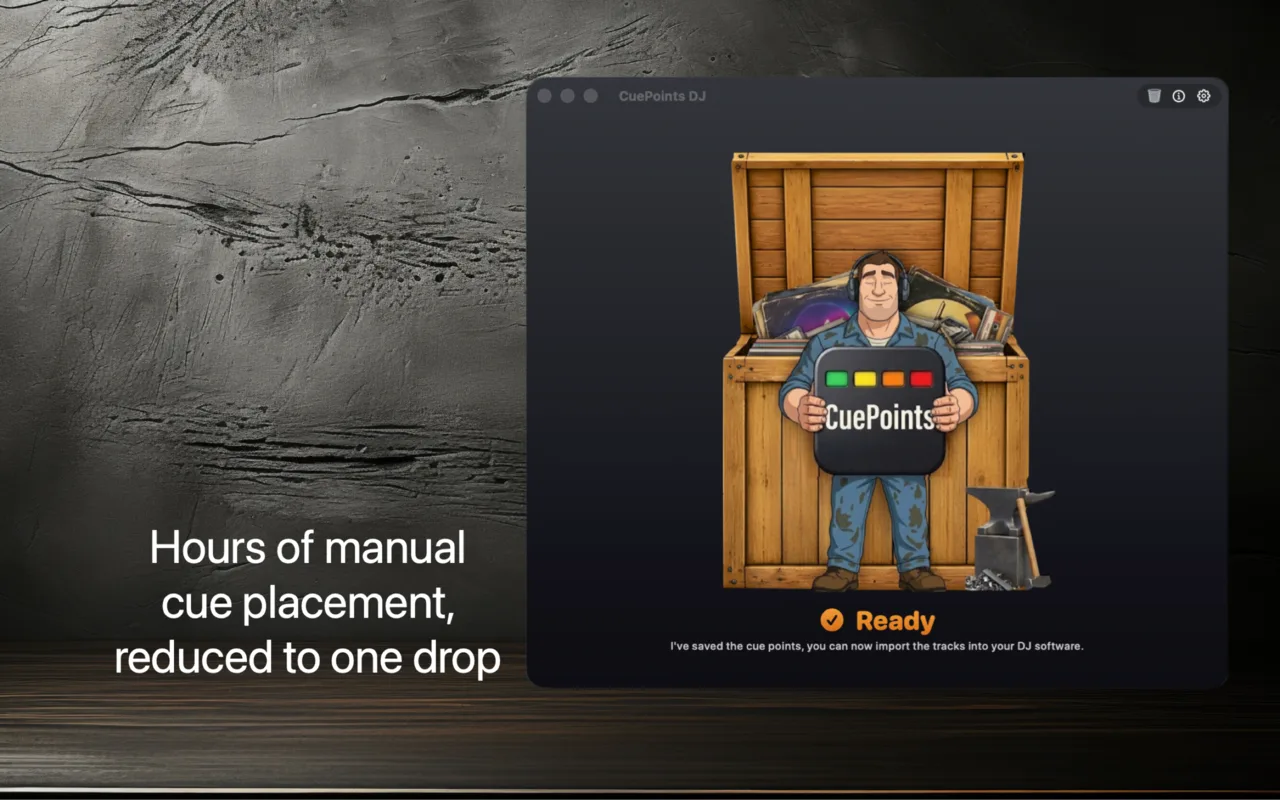
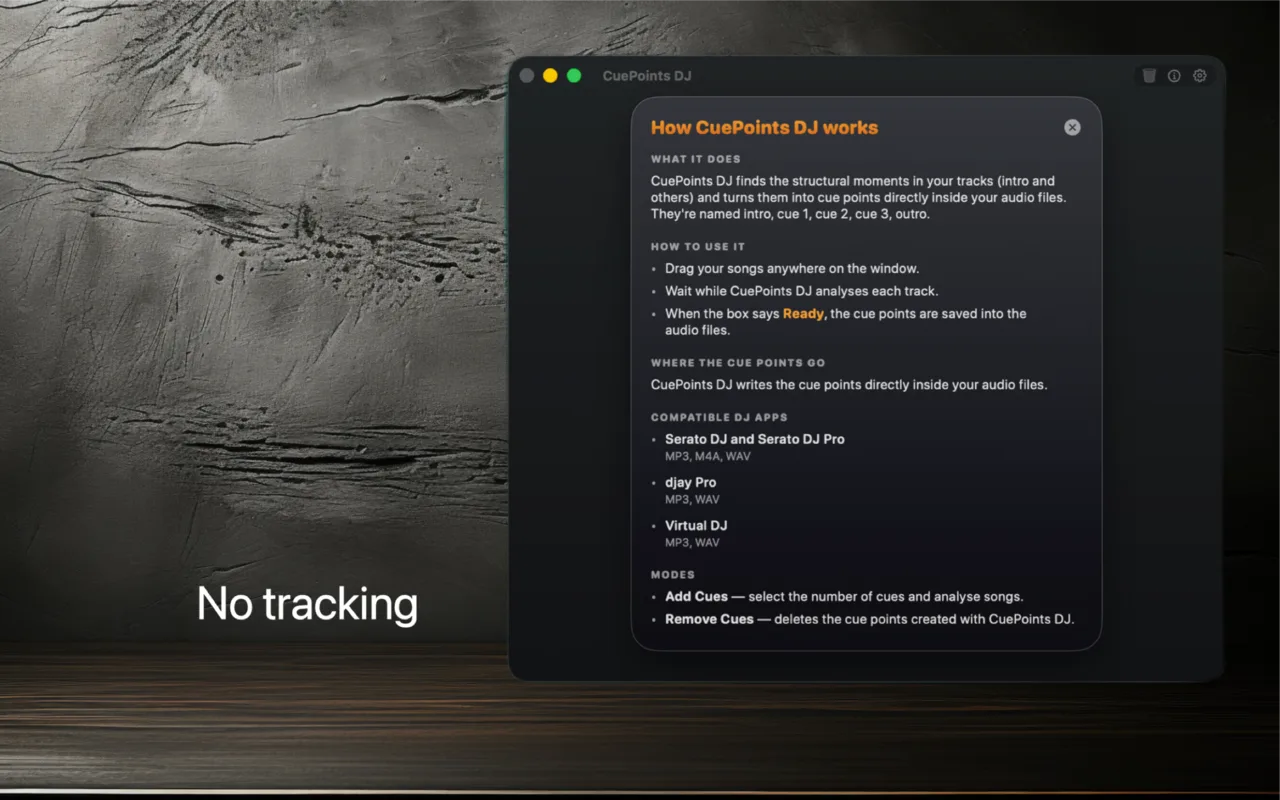
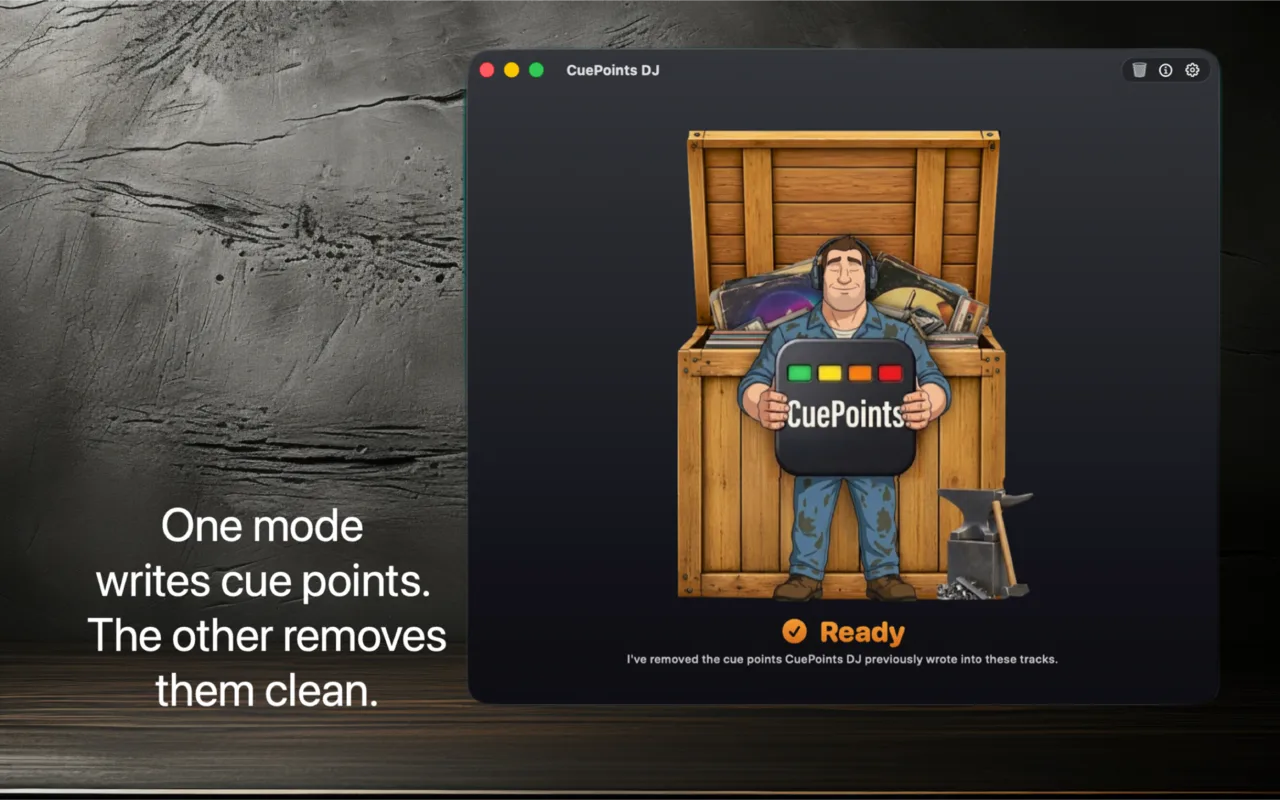
Stop placing cue points by hand. CuePoints DJ analyses your tracks and writes the cue points directly into your music files. Drop your songs, open your DJ app, and the intro and cue points are already there. Designed exclusively for macOS, CuePoints DJ works with Serato DJ Pro, djay Pro, and Virtual DJ — no companion files, no exports, no folder picker. Drag your music onto the box, wait for the analysis to finish, and the cue points appear in your library on the next refresh. Add Cues mode writes between 2 and 6 cue points per track — intro start, first beat, vocal entry, bridges (drum drops), and outro — all snapped to the downbeat for clean beat-matched mixing. Remove Cues mode strips every cue point CuePoints DJ added, leaving the file exactly as it was. Up to 50 songs per drop, each track up to 15 minutes. Supports MP3, WAV, AIFF, and M4A. 100% local processing — your music never leaves your Mac.

View on the App Store

Every DJ knows the routine. New tracks come in, and before you can use them in a set, you need to mark the intro, the drops, the outro — every single one, by hand, on every single song. Hours of work that has nothing to do with mixing. 🎧

I built CuePoints DJ because I was tired of doing it. I wanted to drop a folder of fresh tracks onto something, walk away to make coffee, and come back to find the cue points already there — written straight into the audio files, ready for Serato, djay, or Virtual DJ to pick up on the next library scan. ⚡

That's what CuePoints DJ does. No companion files cluttering your library, no exports to chase, no manual placement. Just drag, wait, and play. Less prep, more mixing. ✨