











Klumbo

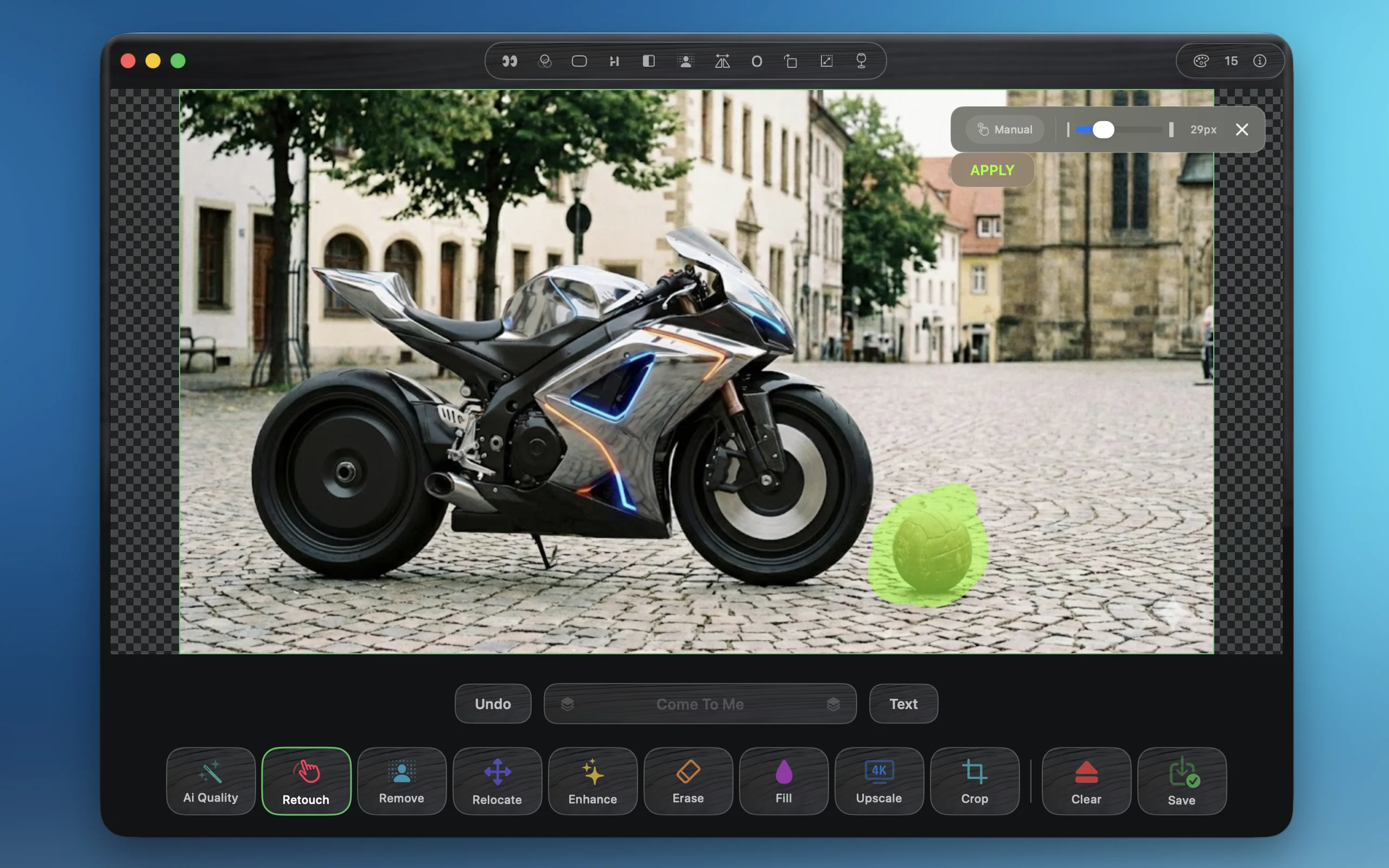
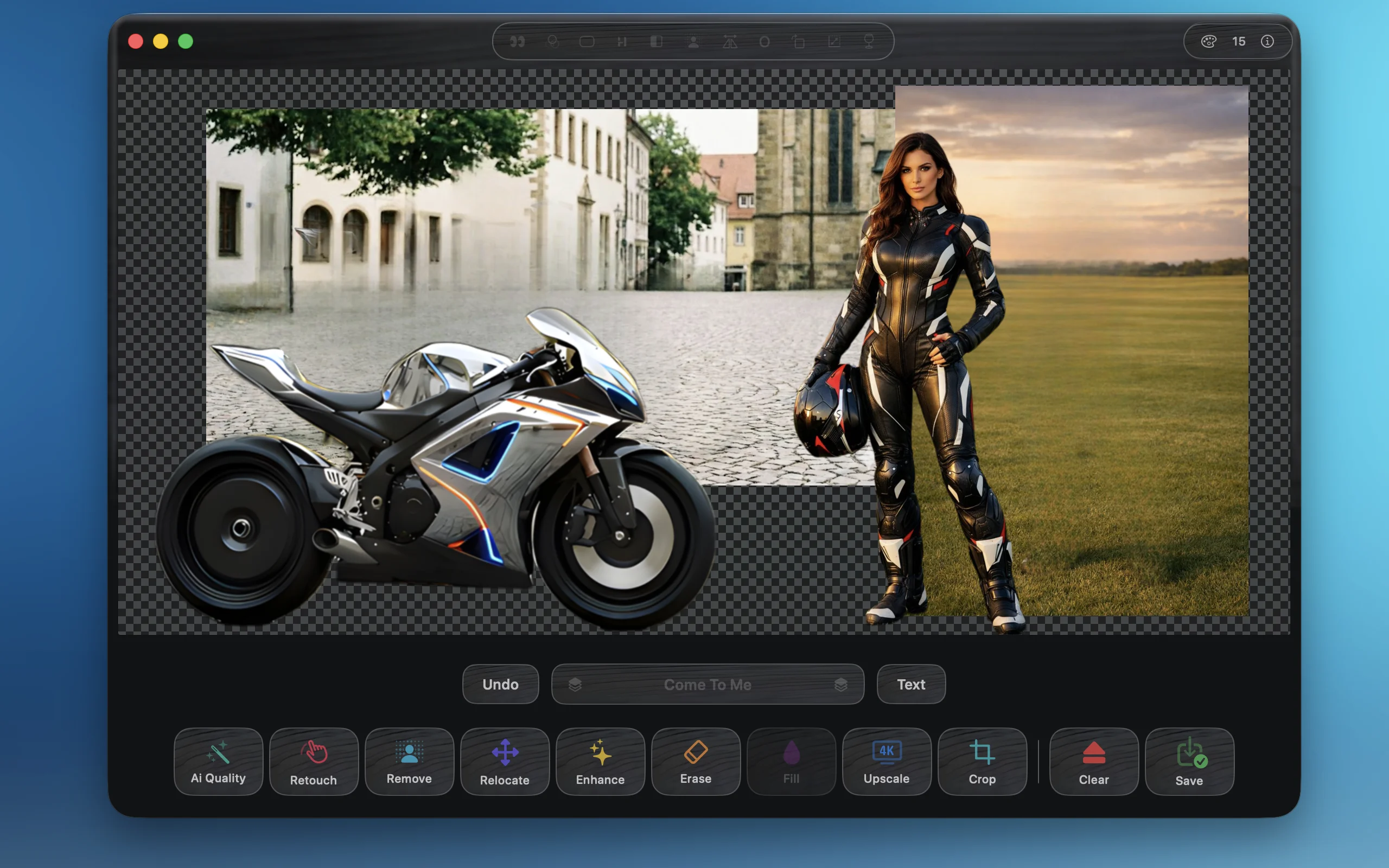
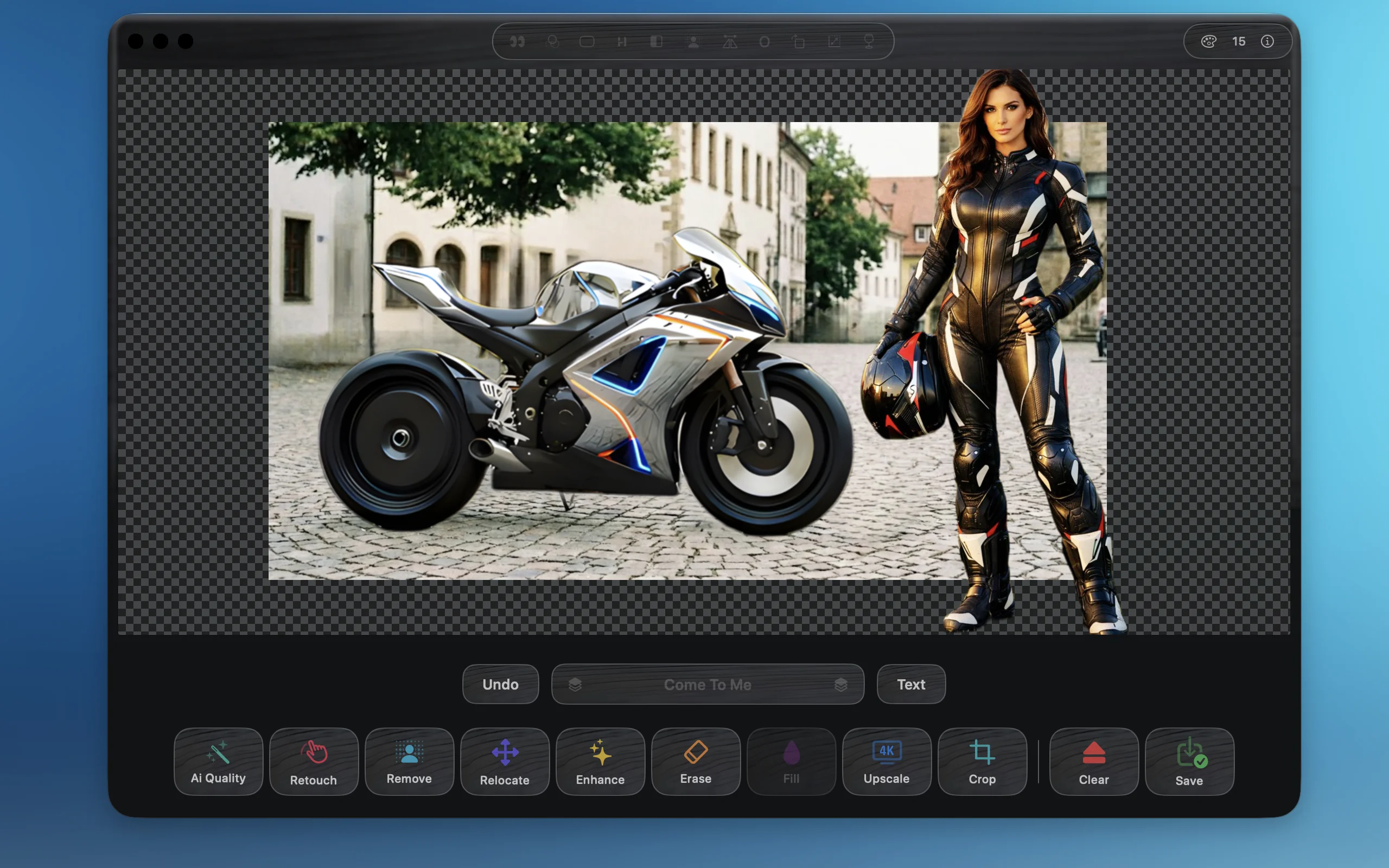
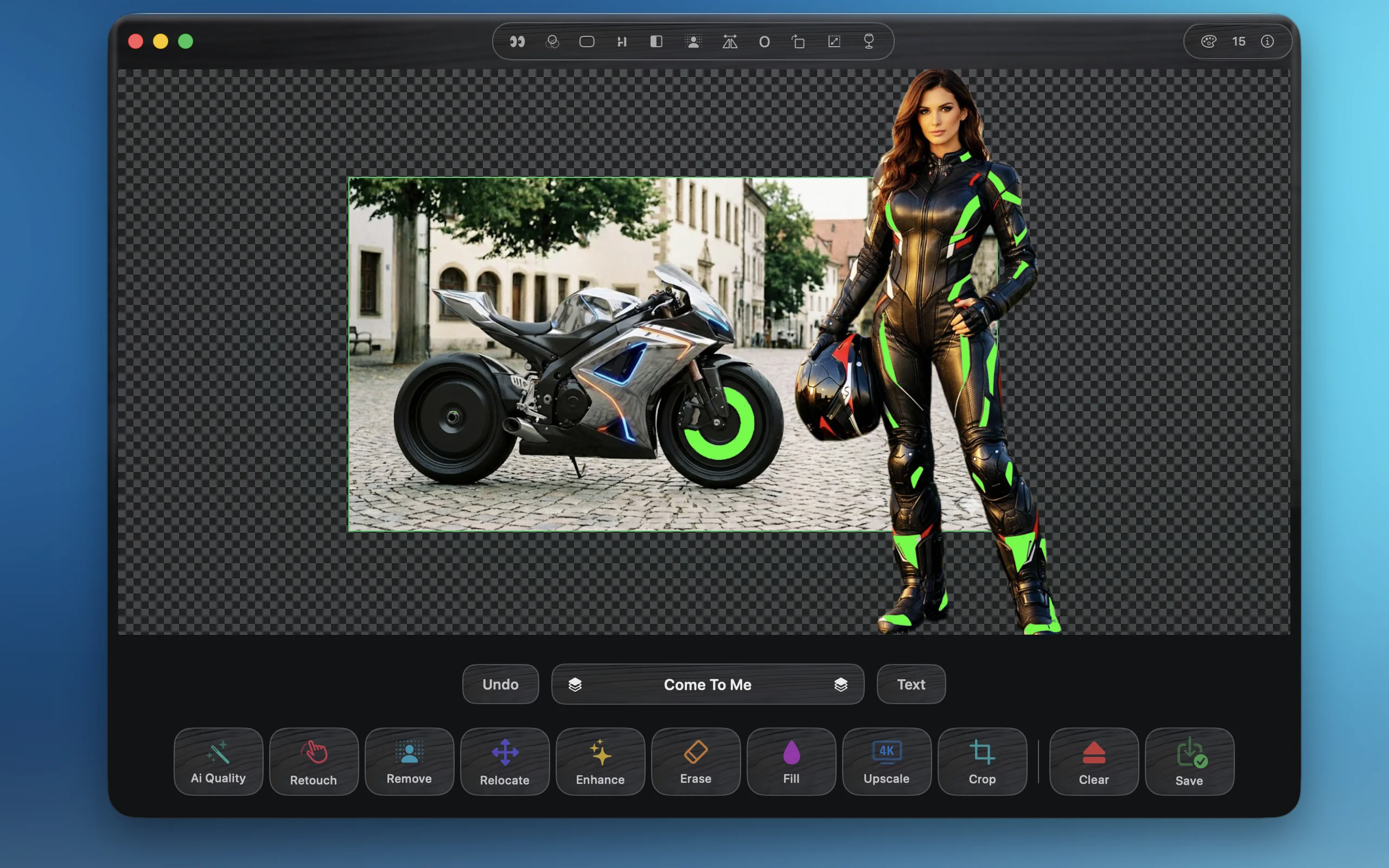
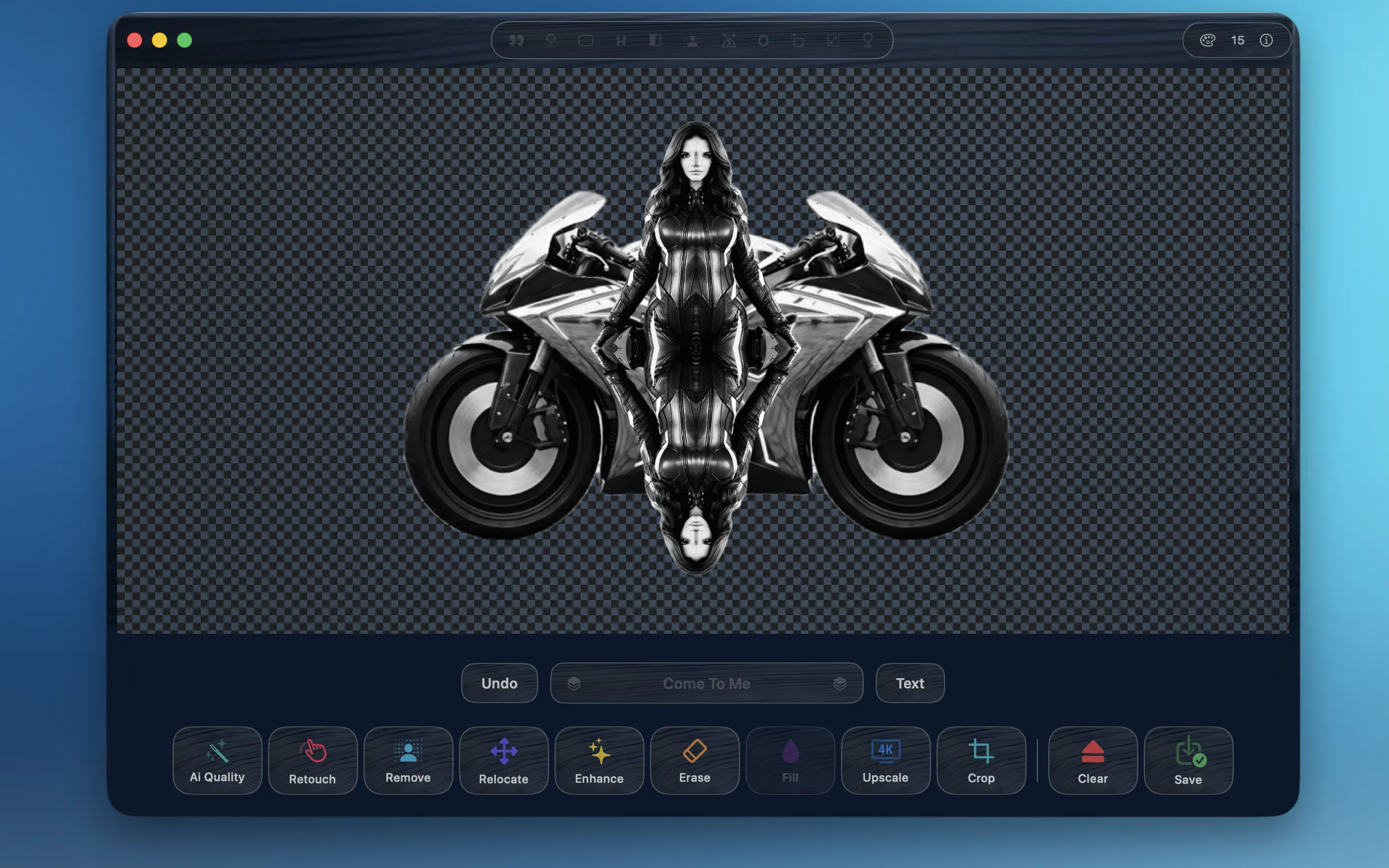
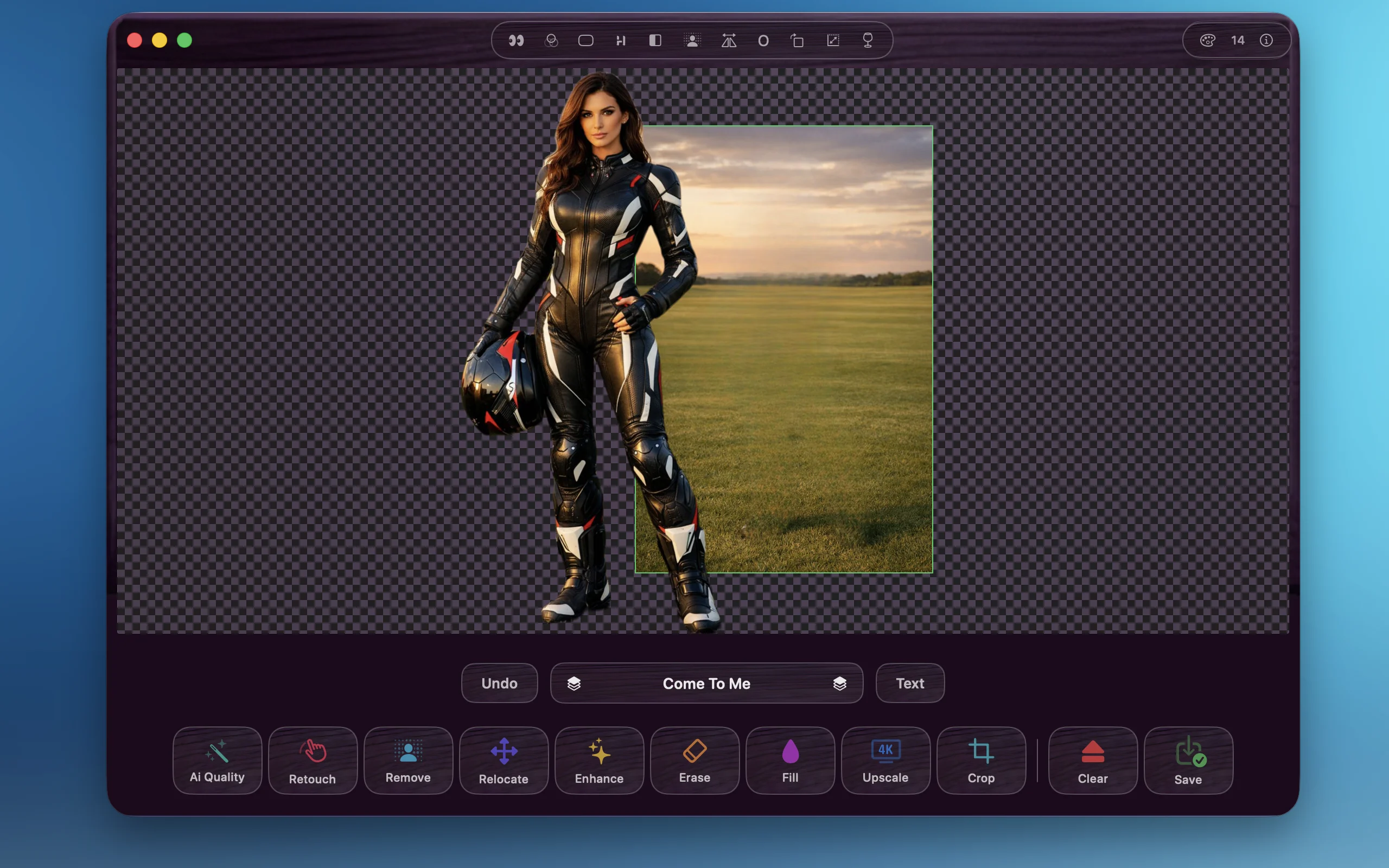
Professional AI-powered image editing built for Apple Silicon. Multi-layer composition with up to 6 images, accurate background removal, AI-based repair and inpainting, quality enhancement, and upscaling to 8K resolution. Add text layers with custom fonts. Fine-tune layers with transparency, rotation, and precise adjustments. All processing happens locally on your Mac — no cloud uploads, no subscriptions, no compromises. Requires Apple Silicon (M1, M2, M3, M4 or later).

Download on the App Store

I was tired of jumping between tools. One website for background removal. Another platform for retouching. The Mac's built-in app for cropping. A different service for upscaling. It was exhausting.

I had old family photos that needed cleaning up. Product shots that needed perfect backgrounds. And I was wasting hours switching between apps just to get one image right.

So I built Klumbo. Everything I need in one place. Remove backgrounds, repair, crop, upscale, erase objects, compose subjects on new backgrounds — all without leaving the app.

No more browser tabs. No more uploads to random websites. No more subscriptions to five different services. Just one tool that does exactly what I need, running locally on my Mac.

Klumbo exists because I needed it. Now you can have it too.

FEATURES

🖼️ Multi-Layer Composition

Compose up to 6 image layers with full control over ordering, transparency, rotation, and precise positioning.

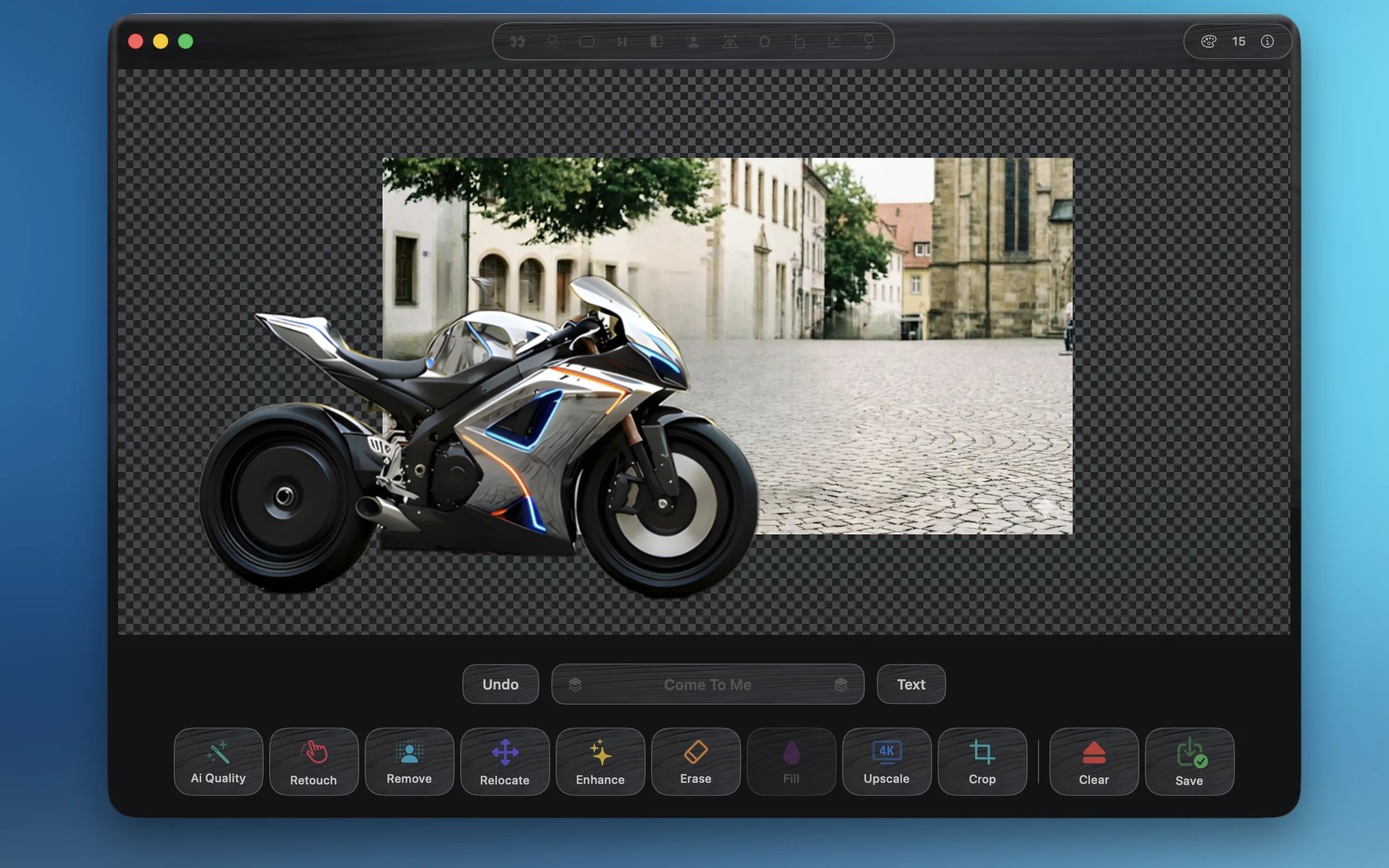
🎨 Remove Background

AI-powered one-click background removal. Perfect cutouts for portraits, products, and objects with transparent output.

🩹 AI Repair

AI-based image repair and inpainting. Automatically fixes blemishes and enhances features naturally.

✨ AI Enhance

Auto-enhance image quality with one click. Fix noise, sharpen details, and restore clarity to photos.

📐 Smart Upscale

Increase resolution up to 8K. Enlarge photos for printing while preserving sharpness and adding realistic detail.

🔤 Text Layers

Add text layers with custom fonts. Create stunning typography compositions.

🎬 Color Filters

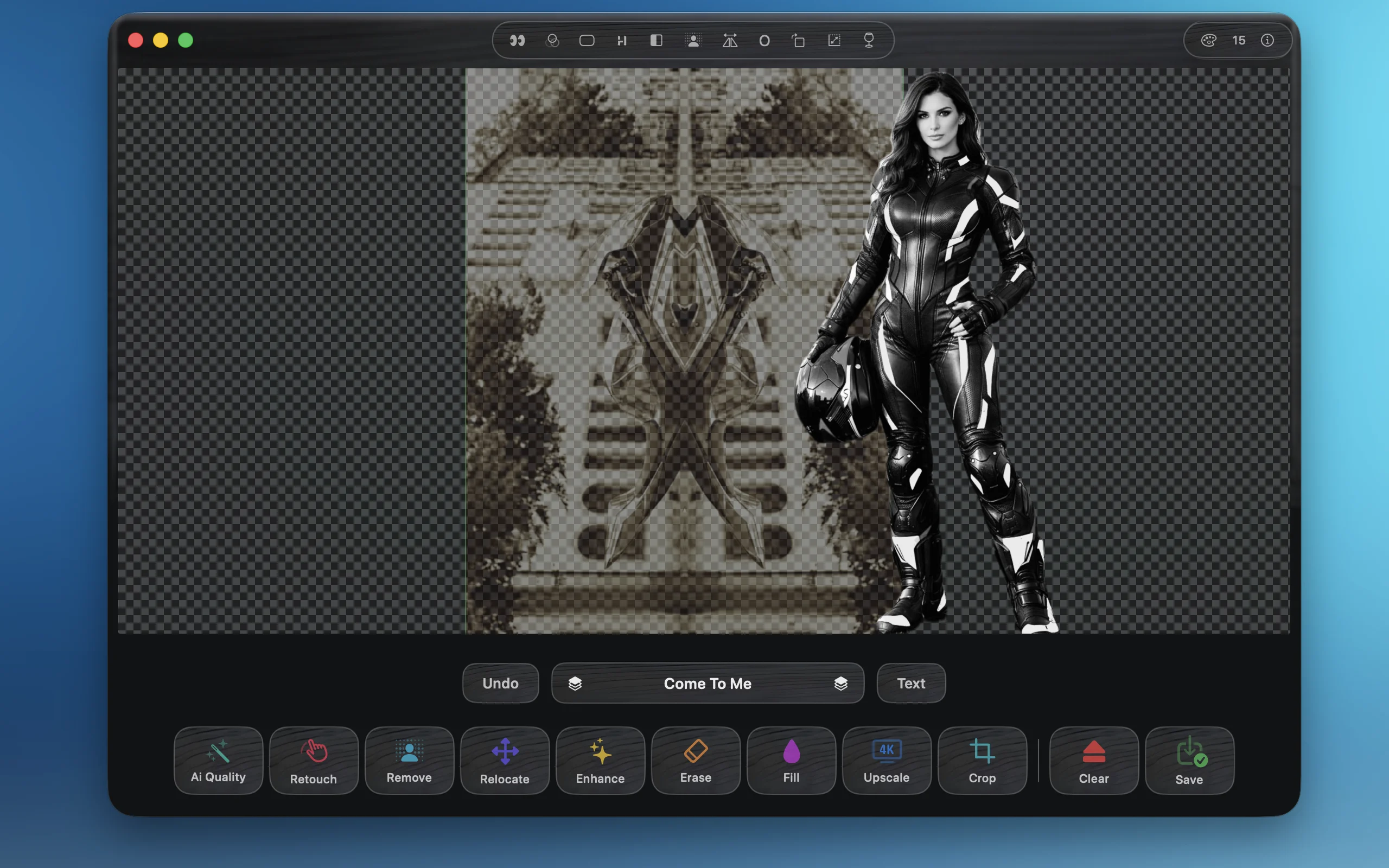
Apply instant effects: B&W, Sepia, Noir, Vivid, and Fade. Transform the mood of your images.

👁️ Fix Red Eyes

Automatic red-eye detection and correction. Fix flash photography artifacts instantly.

🔲 Rounded Corners

Add customizable corner radius to any layer. Perfect for modern, polished compositions.

💫 Drop Shadow

One-click shadow effect for depth. Make your subjects pop from the background.

🪞 Reflection

Mirror effects in all directions — left, right, top, bottom. Create symmetry and visual impact.

↔️ Flip & Rotate

Horizontal and vertical flip options. Quick 90° and 180° rotation for perfect orientation.

Credit System

1 image = 1 credit. All editing features are included at no extra cost once an image is loaded. New users receive 10 free credits to get started. Credit packages are available for purchase through the Mac App Store.